https://docs.nubit.org/nubit-da/run-a-node
%20_%20Nubit.png)
Step 1: Update and Install Required Packages
sudo apt update && sudo apt upgrade -y
sudo apt install curl git wget build-essential jq screen -y
Step 2: Start a Screen Session
screen -S nubit
Step 3: Install Nubit To install the node, you only need to enter a single script. The node is installed with just one script.
curl -sL1 https://nubit.sh | bash
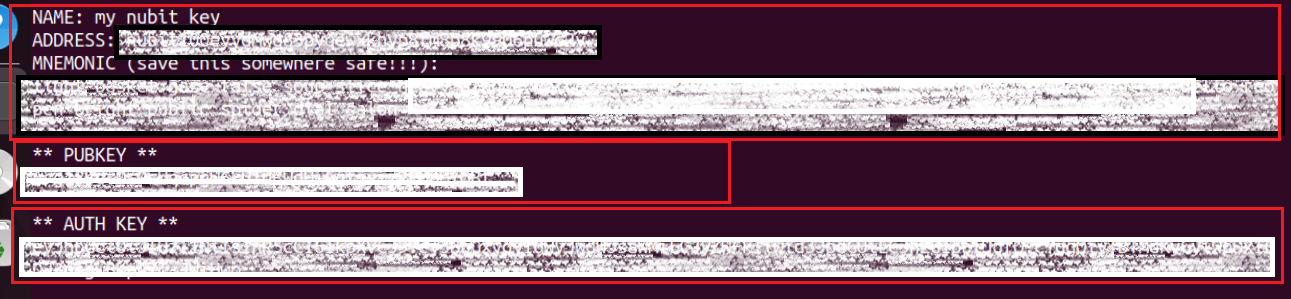
Output and Save PUBKEY and AUTHKEY: The script outputs the generated PUBKEY and AUTHKEY, which are essential for node operations and security.
Ensure these keys are saved securely.
 Step 4: Detach from the Screen Session
After starting the node, detach from the screen session to keep it running in the background. You can do this by pressing CTRL + A + D.
Step 4: Detach from the Screen Session
After starting the node, detach from the screen session to keep it running in the background. You can do this by pressing CTRL + A + D.
screen -r nubit
After running:
curl -sL1 https://nubit.sh | bash
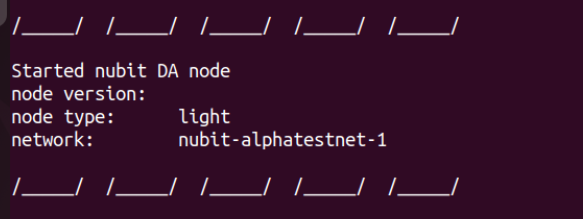
you should see the following message:
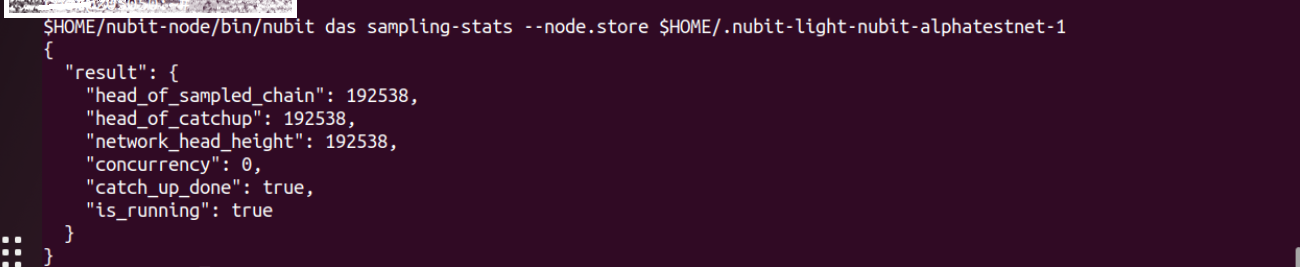
$HOME/nubit-node/bin/nubit das sampling-stats --node.store $HOME/.nubit-light-nubit-alphatestnet-1
You will receive a response similar to the following to verify that your node is running successfully: