


Font and german layout based on https://www.mikrocontroller.net/articles/Word_Clock
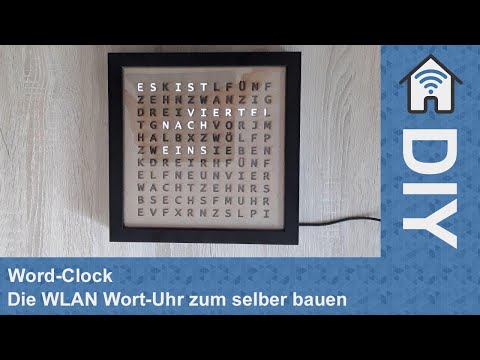
- Change the WiFi credentials in the
wordclock/wordclock.ino. - Upload the sketch
wordclock/wordclock.inoto your Wemos D1 mini (or other ESP8266). - Enjoy
Check in your router what IP-adress your Wemos got. Open a webbrowser and go to http://[YOUR_WEMOS_IP]. For (example) the IP-adress 192.168.178.20 go to http://192.168.178.20.
You can set a foreground and background color on your clock.
http://[YOUR_WEMOS_IP]/?mode=time&fg=#ffffff&bg=#000000
You can set a time offset to specify your timezone.
http://[YOUR_WEMOS_IP]/?mode=time&tz=3
For now there are some (not so good looking) icons implemented. They will be changed in future.
http://[YOUR_WEMOS_IP]/?mode=icon&icon=sun
It's possible to display degree values for temperatures. The values could be send for example by a home automation software.
http://[YOUR_WEMOS_IP]/?mode=degree°ree=27




