
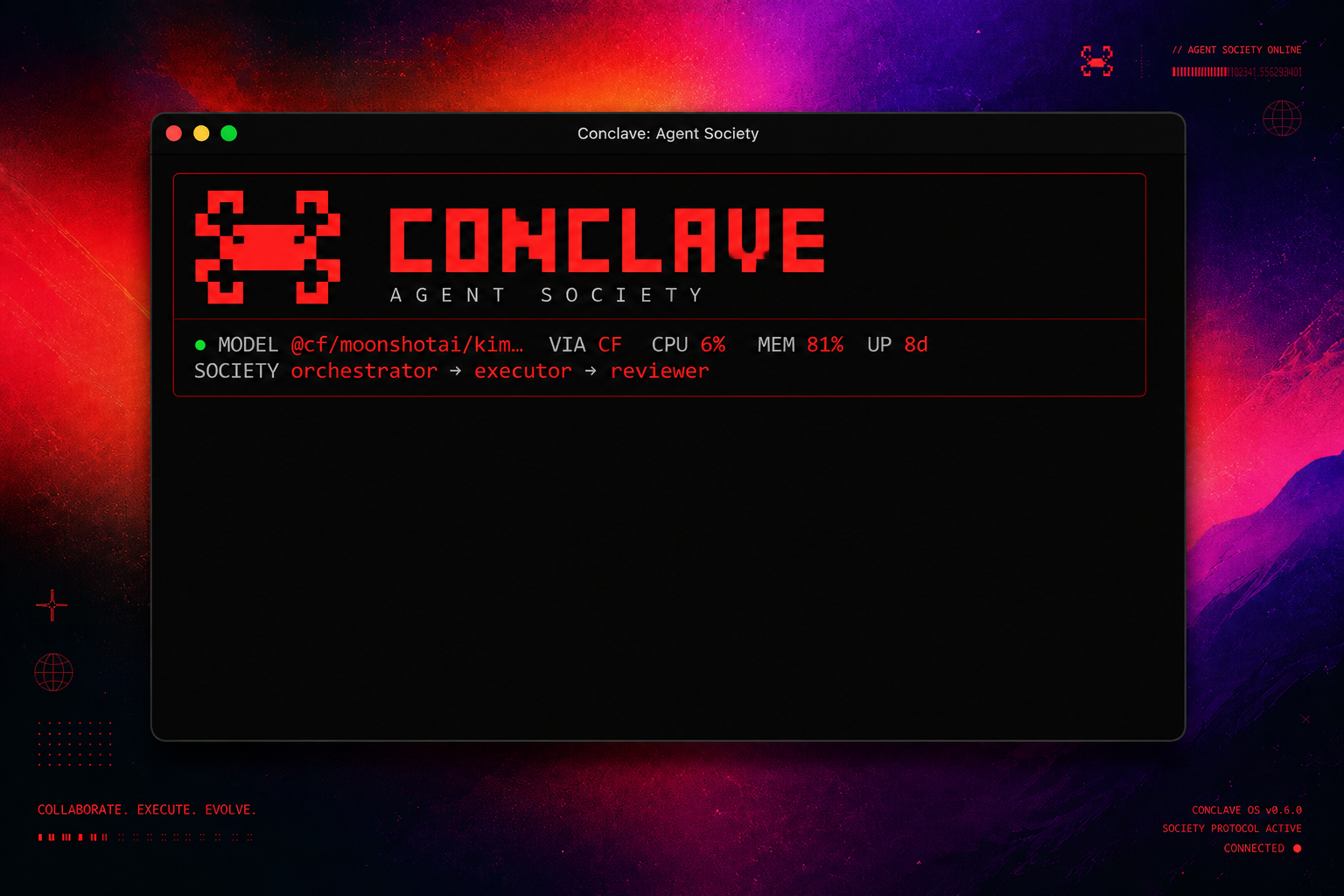
Multi-agent AI system with 58 tools, 10 LLM providers, and a web + CLI interface.


git clone https://github.com/truehannan/conclave-coagent.git
cd conclave-coagent
npm run setup
conclave
That's it. The dashboard launches, detects it's unconfigured, and walks you through setup.
Windows: If
npm run setupfails at thenpm linkstep, run it as Administrator. Or skip linking and run directly:node cli/dist/index.js
To update later:
conclave update(pulls latest), thennpm run setupagain.
Conclave is a self-hosted AI agent that runs on your machine or a $6 VPS. It has:
- Agent Society — Multiple AI agents (Orchestrator, Researcher, Executor, Reviewer, Observer) collaborate on complex tasks
- 58 Built-in Tools — Shell, files, HTTP, search, code execution, services, scheduling, APIs
- 10 LLM Providers — DigitalOcean, OpenAI, Anthropic, Google, NVIDIA, HuggingFace, OpenRouter, GitHub, Cloudflare, Qwen
- 3 Interfaces — CLI dashboard (TUI), Telegram bot, Web frontend
- Live Model Fetching — Models pulled from provider APIs in real-time
- Skills Marketplace — Install domain skills from ClawHub (
@user/skill) - Dangerous Op Approval — Agent pauses for
/approvebeforerm -rf, deploys, etc.
User → [CLI / Telegram / Web] → Agent Core → Agent Society
                                     │
                   ┌─────────────────┼─────────────────┐
                   │                 │                 │
              58 Tools          Memory (D1)       10 Providers
              (shell,files,     (encrypted,       (live model
               web,code)        cloud sync)        fetching)
Agent Society Flow:
- User sends complex request
- Orchestrator decomposes into plan
- Researcher gathers info → Executor runs commands → Reviewer validates
- Observer monitors for failures
- Compiled result returned
Simple requests are handled directly (no delegation overhead).
| Feature | Description |
|---|---|
| Agent Society | Multi-agent orchestration with 5 specialized roles |
| 58 Tools | Shell, files, HTTP, search, code exec, services, scheduling, APIs, Composio |
| 10 Providers | Live model fetching, switch with one command |
| Web Frontend | React dashboard with streaming chat, provider management |
| CLI TUI | Nano-like terminal UI with / command menu |
| Telegram Bot | Full agent access from your phone |
| D1 Cloud Sync | Credentials, memory, sessions sync to Cloudflare D1 |
| Skills | Install domain expertise from ClawHub |
| Approval Flow | Agent pauses before dangerous operations |
| Observer Agent | Validates all execution before responding |
conclave              # Launch TUI dashboard
conclave deploy       # Deploy (localhost / remote IP / domain / path)
conclave start        # Start agent service
conclave stop         # Stop agent
conclave status       # Check health
conclave logs         # View logs
conclave model <name> # Switch model
conclave models       # List available models
conclave update       # Pull latest + rebuild
Inside the TUI: Type / to see all commands with arrow-key navigation.
docker pull ghcr.io/truehannan/conclave:latest

docker run -d \
  --name conclave \
  -p 8000:8000 \
  -v conclave-data:/opt/conclave \
  -e INTERFACE_MODE=cli \
  ghcr.io/truehannan/conclave:latest
Or build from source:
git clone https://github.com/truehannan/conclave.git
cd conclave
docker build -t conclave .
docker run -d --name conclave -p 8000:8000 -v conclave-data:/opt/conclave conclave
Open http://localhost:8000 to access the web UI. The setup wizard guides you through provider configuration.
Environment variables:
| Variable | Default | Description |
|---|---|---|
INTERFACE_MODE |
cli |
cli, telegram, whatsapp, all |
CONCLAVE_API_PORT |
8000 |
API server port |
OPENAI_API_KEY |
— | DigitalOcean/OpenAI key |
COMPOSIO_API_KEY |
— | Composio key (1000+ integrations) |
TELEGRAM_TOKEN |
— | Telegram bot token |
conclave deployOptions:
- Localhost — Installs deps, builds frontend, starts locally
- Remote IP — SCP + nginx + systemd on your VPS
- Domain — Auto-SSL with Let's Encrypt + nginx
- Path — Serve at
http://ip/path
| Provider | Auth | Models |
|---|---|---|
| DigitalOcean | API Key | Llama, Mistral, DeepSeek, Claude, GPT |
| OpenAI | API Key | GPT-4o, o1, o3 |
| Anthropic | API Key | Claude Sonnet/Opus 4 |
| API Key | Gemini 2.5 Flash/Pro | |
| NVIDIA | API Key | Llama 405B, Nemotron |
| HuggingFace | API Key | Llama, Qwen, DeepSeek |
| OpenRouter | API Key | 100+ models |
| GitHub | API Key | GPT-4o, Llama |
| Cloudflare | API Key + Account ID | Workers AI models |
| Qwen | API Key | Qwen Max/Plus/Turbo |
All models fetched live from provider APIs — not hardcoded.
- Backend: Python 3.9+ (~3000 lines) — agent.py, agents.py, tools.py, memory.py, api_server.py
- CLI: Node.js 18+ — esbuild bundled, raw stdin TUI
- Frontend: React + Vite + Tailwind — dark mode, streaming chat
- API: FastAPI + SSE streaming
- Storage: SQLite (local) or Cloudflare D1 (cloud)
- Encryption: Fernet (credentials at rest)
Source Available — Non-Commercial. Free for personal use.
Made by @truehannan