A free, self-contained PDF toolkit for Windows — merge, split, rotate, watermark and protect PDFs without uploading a thing.





Download · Features · Screenshots · Build from source · License
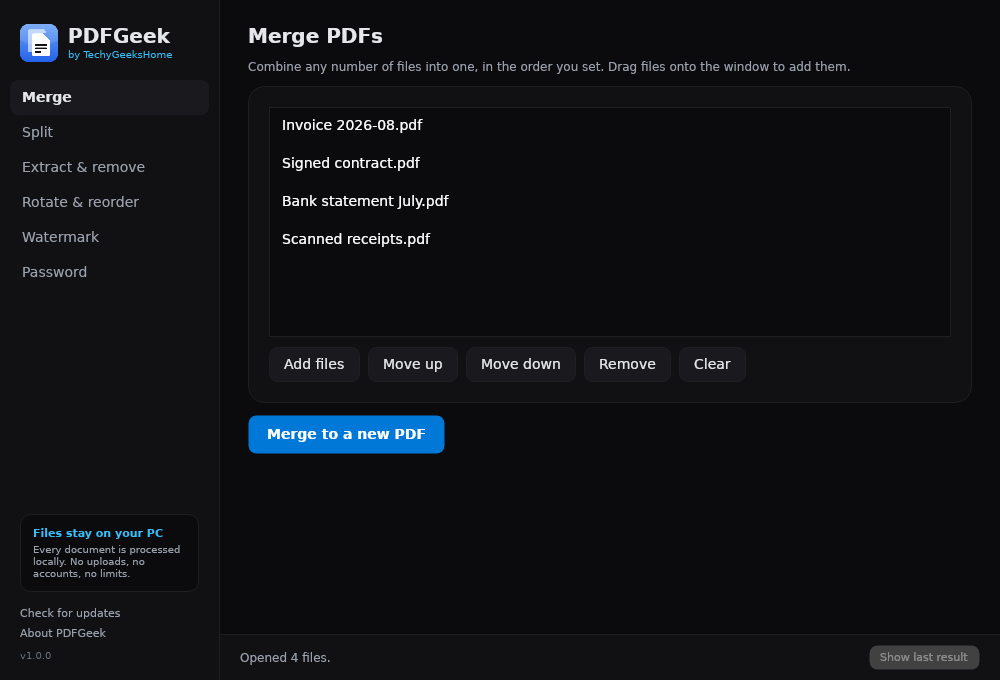
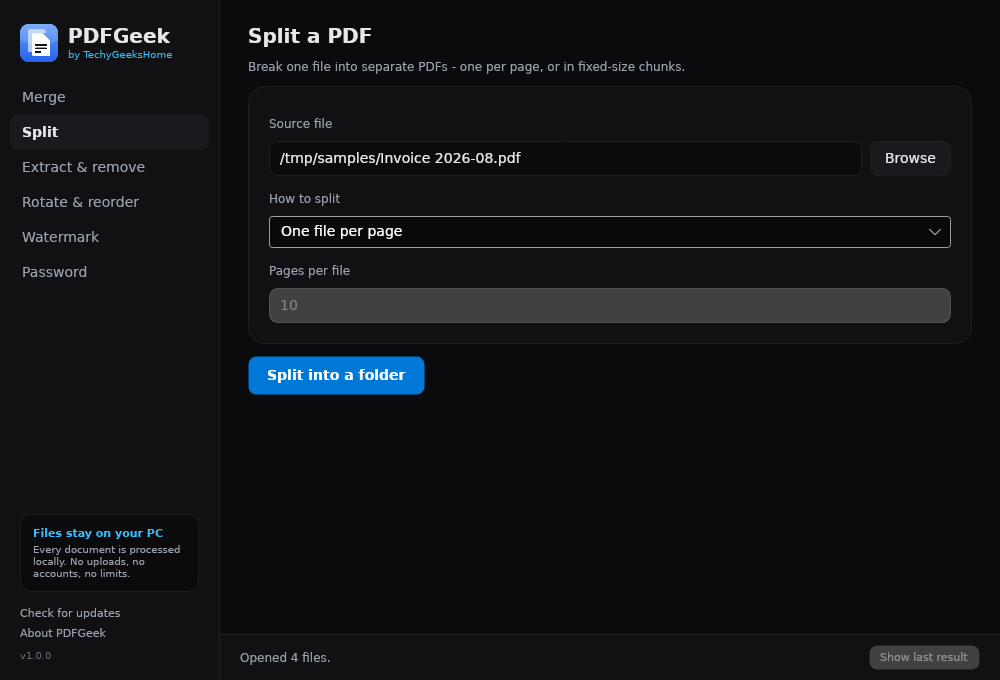
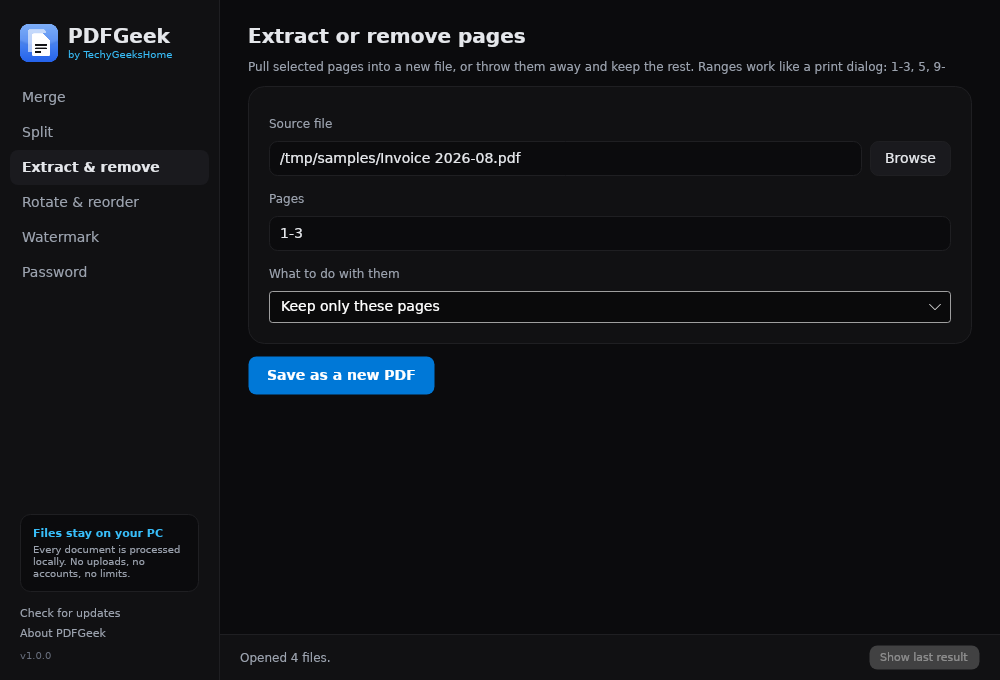
PDFGeek does the everyday PDF jobs on your own machine, with none of the limits the web tools impose. Merge as many files as you like, images included, split a document into pages or fixed-size chunks, pull pages out or drop them, rotate sideways scans, reorder a document, stamp a watermark across it, and add or remove password protection.
The online alternatives cap you and then ask for money — 25 files per merge, three tasks an hour, a subscription to unlock batch mode. PDFGeek has no caps to lift, because your documents never leave your computer in the first place.
No installer bloat, no bundled offers, no telemetry. 100% free, no Pro tier, no upsells.
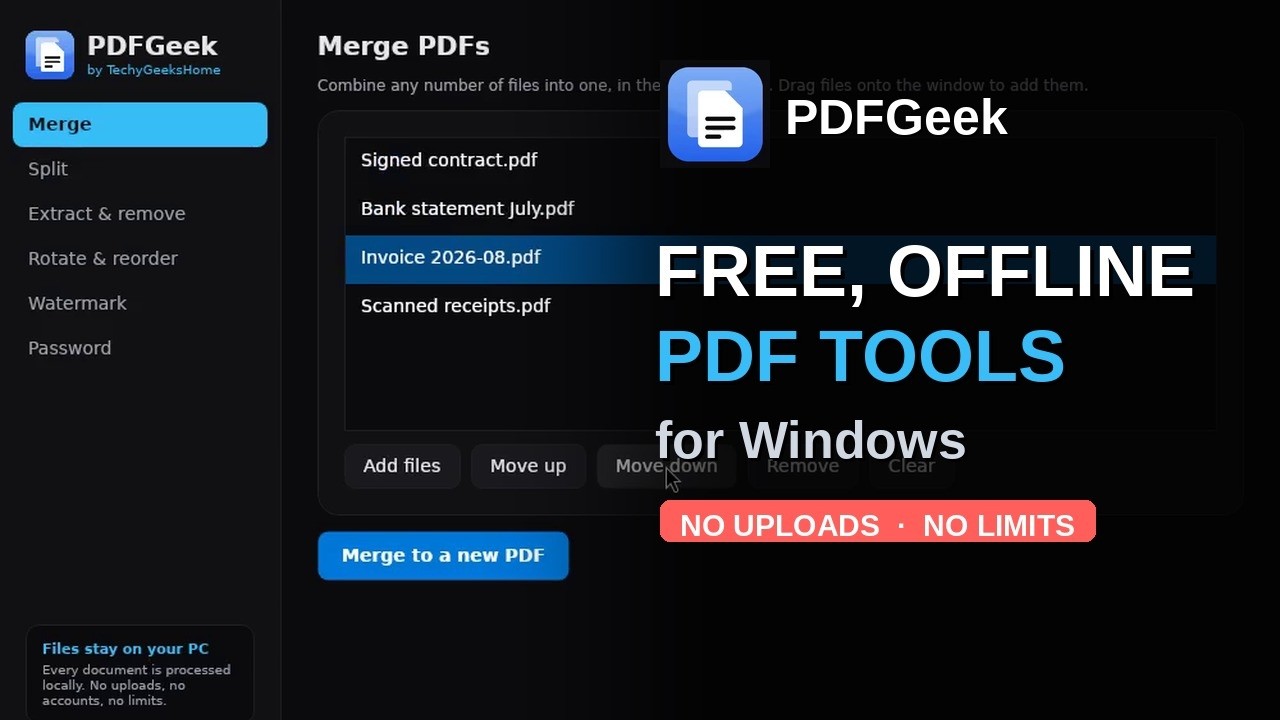
A full tour of every tool, in under a minute.
| What it is | Get it |
|---|---|
| Installer (recommended) — Start menu entry, desktop shortcut, clean uninstall | PDFGeekSetup.exe |
Portable — a single .exe, nothing installed, runs from a USB stick |
PDFGeek.exe |
The installer needs no admin rights and shows no UAC prompt — it installs for the current user by default. It bundles nothing, changes no file associations unless you tick the box, and uninstalls cleanly from Settings → Apps.
Prefer the portable build if you want to run it from a memory stick or leave no trace on the machine. Either way it is the same application.
Windows will warn you the first time you run it. PDFGeek isn't code-signed, because a certificate costs money we'd rather not put behind a free tool. Click More info → Run anyway. Every release publishes SHA256 checksums for both files so you can verify what you downloaded, and the source is right here so you can see exactly what it does.
A winget package is sitting in Microsoft's community review queue. Until a moderator approves it,
winget install TechyGeeksHome.PDFGeekwon't find anything — this note will go when it does.
- 🔗 Merge any number of PDFs and images into one, in the order you set — drag them in, reorder, done. JPG, PNG and WebP go in alongside the PDFs, either keeping their own size or forced to A4 or Letter.
- ✂️ Split a document into one file per page, or into fixed-size chunks.
- 📄 Extract or remove pages using print-dialog page ranges (
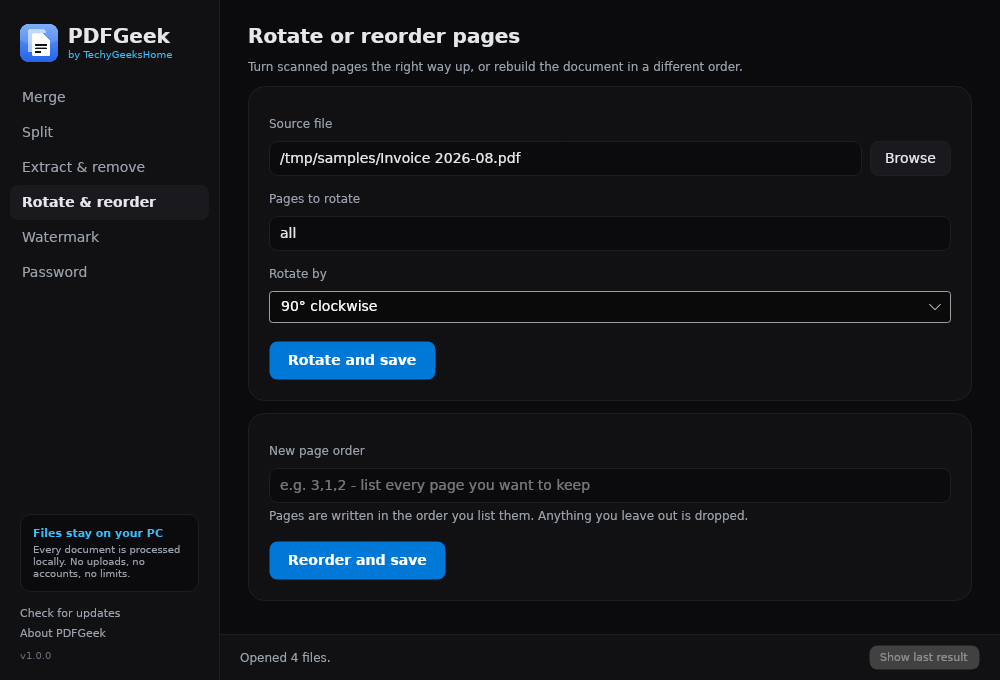
1-3, 5, 9-). - 🔄 Rotate sideways scans by 90°, 180° or 270°, on selected pages or the whole document.
- 🔀 Reorder a document by listing the pages in the order you want them.
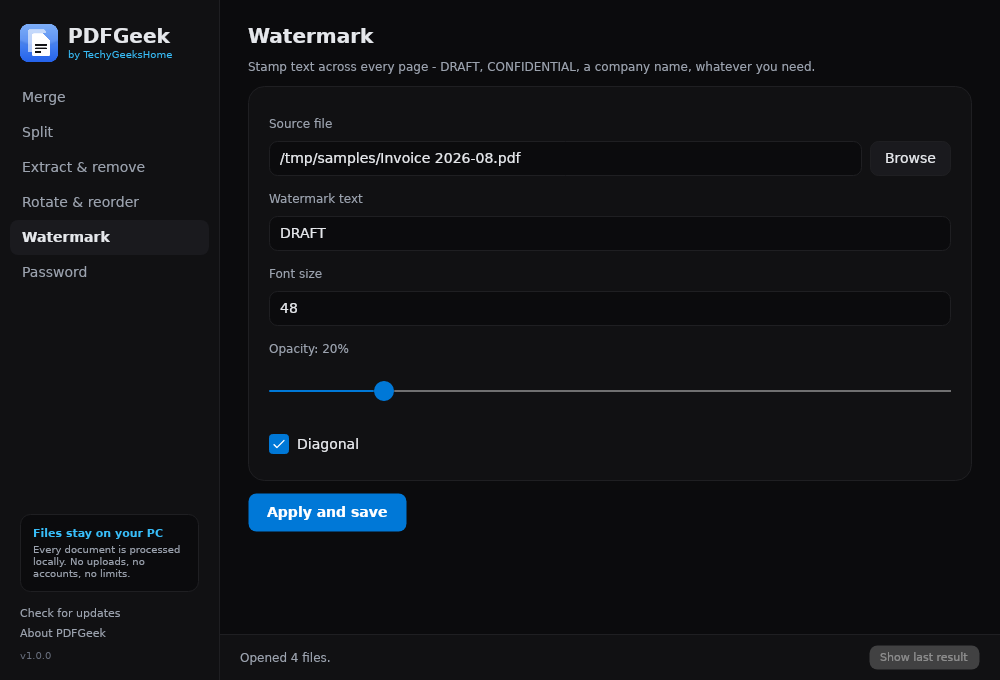
- 💧 Watermark every page with your own text, at whatever size, opacity and angle you like.
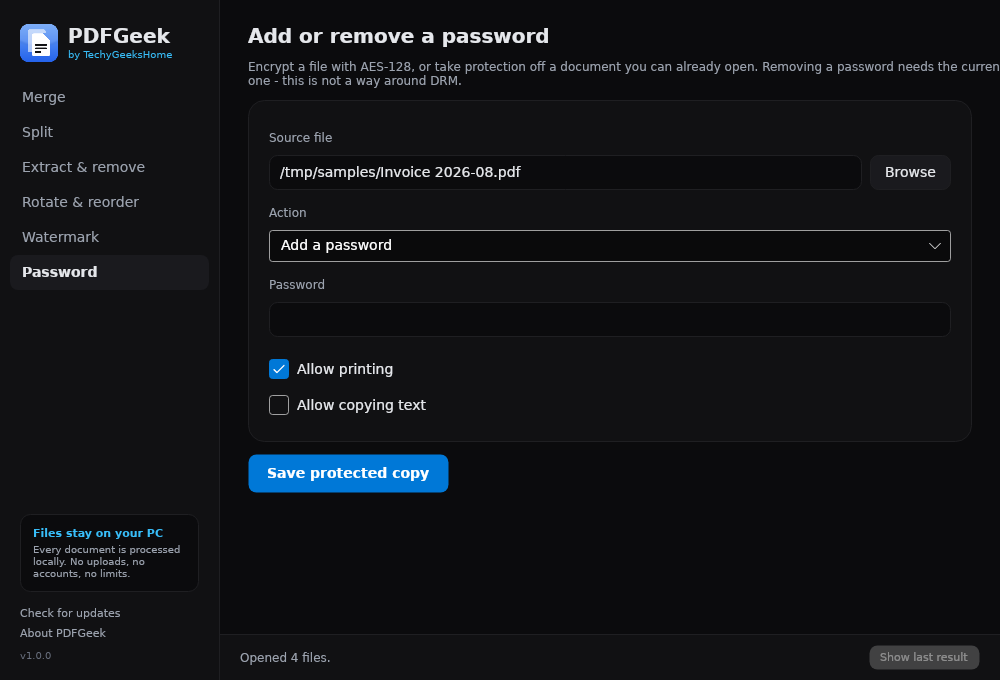
- 🔐 Add a password with AES-128 encryption, with control over printing and copying.
- 🔓 Remove a password from a document you can already open.
- 🔒 Private — your documents are processed locally and never uploaded, with no telemetry and no account.
Clicking Check for updates makes a single request to GitHub's public releases API to compare version numbers. It sends no identifiers, no file names and no usage data, and it never downloads or installs anything on its own — if there's a newer version it just offers to open the page. Don't press it and PDFGeek makes no network connection at all.
Requires the .NET 8 SDK.
dotnet build PDFGeek.sln -c ReleaseTo produce the portable, self-contained win-x64 build:
dotnet publish src/PDFGeek/PDFGeek.csproj -c Release -r win-x64 --self-contained true -o publish/win-x64To run the test suite (29 checks against real PDFs):
dotnet run --project tests/PDFGeek.Smoke -c Release| Path | What's there |
|---|---|
src/PDFGeek/Services |
Every PDF operation and the page-range parser (no UI dependencies) |
src/PDFGeek/Views |
The Avalonia desktop UI |
src/TechyGeeksHome.Common |
Shared About window and update checker, used across all TechyGeeksHome apps |
tests/PDFGeek.Smoke |
Console harness that runs every operation against real PDFs |
tools/make-icon.py |
Generates the icon set from the brand tokens |
icons/ |
App icon assets |
PDFGeek is free and always will be. If it saved you a subscription, you can buy us a coffee on Ko-fi — welcome, but never expected.
Found a bug or have a request? Open an issue or get in touch.
Pull requests are welcome. PDFGeek is open source under the GPL-3.0, so improvements can be taken straight in — see CONTRIBUTING.md for how contributions are licensed and what is most useful.
PDFGeek is free software, licensed under the GNU General Public License v3.0. You are free to use it, study it, change it and pass it on. Anything you distribute that is built from this code has to carry the same freedoms, which is what keeps it free for everyone downstream.
The PDFGeek name, logo and TechyGeeksHome branding are not covered by that licence and remain ours.
Built with Avalonia (MIT) and PDFsharp (MIT).
© 2026 TechyGeeksHome | Andrew Armstrong.
Made with ❤️ by TechyGeeksHome