Official uTools plugin for searching Starcat local repositories and GitHub.
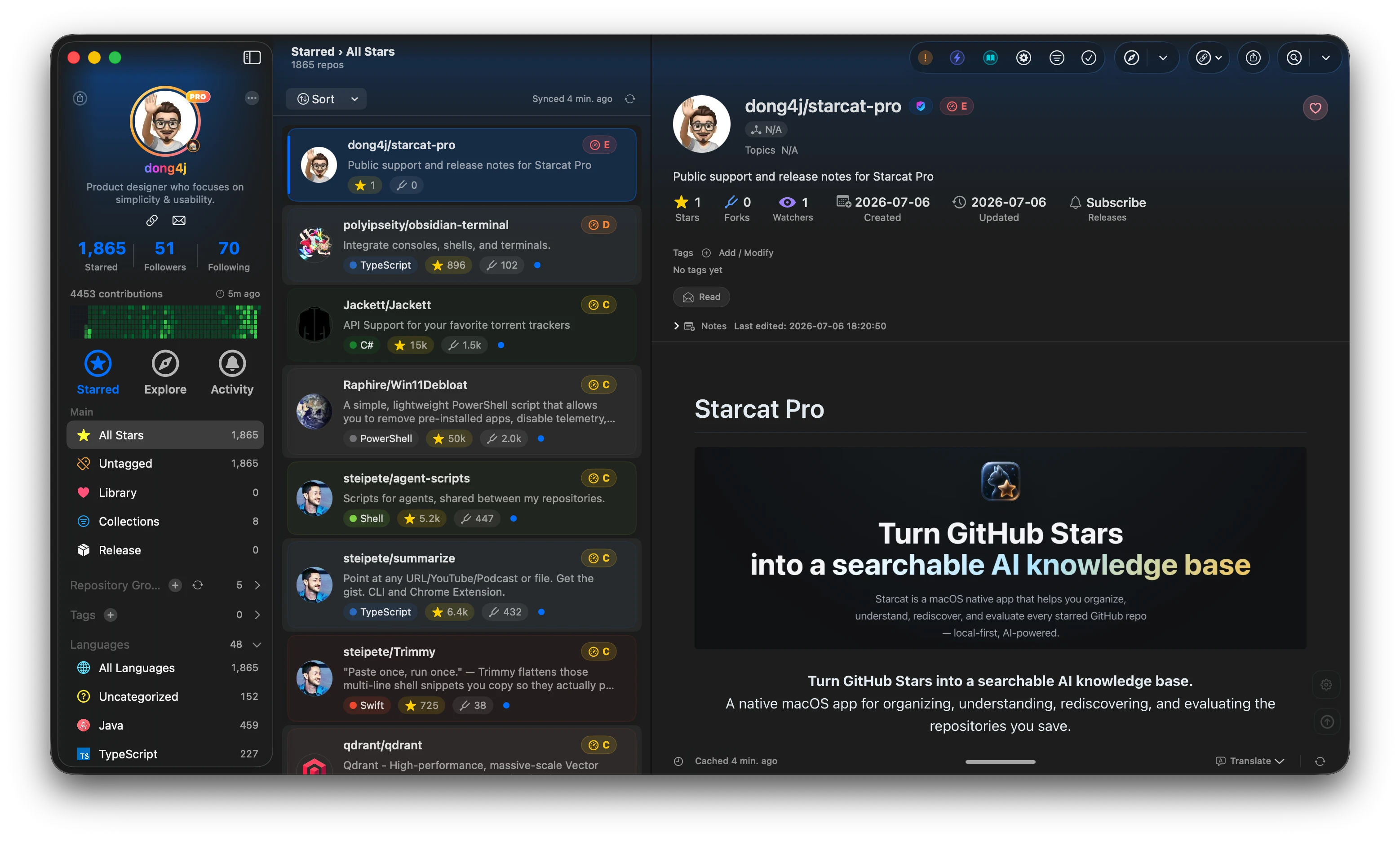
Starcat is a native macOS app that turns GitHub Stars into a searchable, organized and AI-assisted local knowledge base, with a broader ecosystem of desktop clients, plugins, CLI tools, and self-hostable services.



Preferred install method:
brew tap starcat-app/starcat
brew trust starcat-app/starcat
brew install --cask starcat
Useful links:
- Home and downloads: https://starcat.ink
- Mac App Store: search for Starcat for GitHub
- Public support and release notes: https://github.com/starcat-app/starcat-pro
- Starcat App Homebrew tap: https://github.com/starcat-app/homebrew-starcat
- CLI / MCP: starcat-cli / Homebrew tap
- AI Agent Skill: https://github.com/starcat-app/starcat-skill
- Browser plugins: Chrome / Safari
- Launcher integrations: Alfred / uTools / Raycast
- Documentation: https://github.com/starcat-app/starcat-docs
- Website source: https://github.com/starcat-app/starcat-site
- Localization: https://github.com/starcat-app/starcat-localization
Self-hostable support APIs:
- starcat-sharing-api
- starcat-trending-api
- starcat-weekly-api
- starcat-wiki-api
- starcat-recommend-api
- starcat-discovery-api
Official uTools plugin for searching Starcat local repositories and GitHub.


Open the Starcat command in uTools and type a repository keyword. The result
list preserves Starcat's search ordering and shows:
- repository owner/name;
- source attribution:
Starcat LocalorGitHub; - primary language, star count, and description;
- the public owner or organization avatar.
Press Return to open a local result in Starcat through its constrained deep
link. A GitHub-only result opens on github.com.
The plugin is a thin launcher adapter:
uTools list
  -> starcat search
  -> starcat.global_search_repos
  -> Starcat Local FTS + GitHub Search
It never reads the Starcat database, Keychain, local API key, pairing profile, or GitHub token. Search, ranking, deduplication, authentication, and Starcat Pro entitlement checks remain in Starcat and the CLI.
- macOS;
- uTools with template list plugin support;
- Starcat with the MCP service enabled;
- an active Starcat Pro entitlement;
- Starcat CLI v1.1.0 or newer, paired with Starcat.
Install the CLI with Homebrew:
brew install starcat-app/starcat-cli/starcat
starcat pair
starcat doctor
The plugin locates starcat from PATH, /opt/homebrew/bin,
/usr/local/bin, or ~/.local/bin. Developers can set an absolute
STARCAT_CLI_PATH.
The runtime uses readable CommonJS and Node built-ins only. There are no runtime npm dependencies.
npm ci
npm run verify
To run in uTools:
- Install uTools and its Developer Tools plugin.
- Choose this repository's
plugin.json. - Enter the
Starcatcommand. - Search for a repository.
The first version always searches both local and GitHub sources. Source selection can be added later without moving search logic into this plugin.
Tests cover CLI path resolution, argv safety, contract decoding, stable error codes, URL allowlists, result presentation, cancellation, timeout, debounce, and stale-result protection.
The test fixtures are copied from the versioned source in
starcat-cli/contracts/global-search.
scripts/verify-package.sh validates the source package but does not generate
an installable file.
UPXS packages must be generated manually through uTools Developer Tools. The
first public Marketplace release will use version 1.0.0; repository
development starts at 0.1.0. See RELEASING.md.
MIT. See LICENSE.