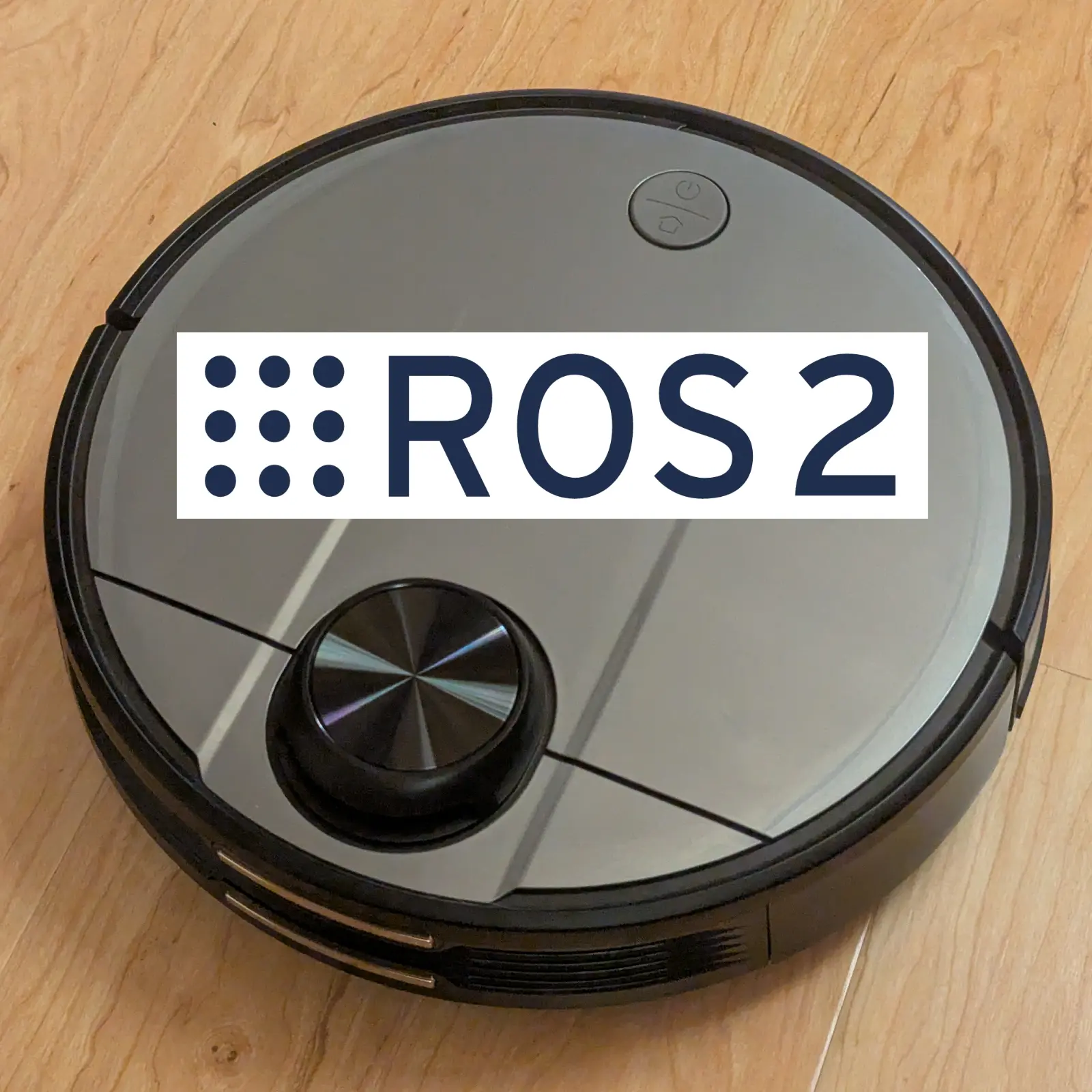
ROS 2 robot description and configuration for the Proscenic M6 Pro consumer robot vacuum, bridged to ROS 2 using remakeai/vacuum_ros2_bridge and SangamIO firmware daemon.
Tutorial: Step-by-step root & setup tutorial
Tutorial: Step-by-step bringup & SLAM tutorial
Tutorial: Step-by-step simulate in Gazebo

urdf/— xacro description of the ~349 mm round vacuum (body + LiDAR turret, diff-drive wheels, caster). Frames follow the Kaia.ai convention:base_footprint → base_link → base_scan.config/ekf.yaml—robot_localizationEKF that fuses/odom+/imuand publishes theodom → base_footprinttransform (the bridge publishes the/odomtopic but not this TF, which cartographer requires).config/cartographer_lds_2d.lua,config/navigation.yaml, … — SLAM / Nav2 tuning.config/gz_bridge.yaml,urdf/plugins.xacro— Gazebo simulation (diff-drive, odometry, gpu_lidar) — simulation does not use the bridge.launch/bringup.launch.py— physical bring-up: bridge +robot_state_publisher+ EKF.
Select the robot model (used by the shared Kaia.ai launch files):
kaia config robot.model proscenic_m6pro
ros2 launch kaiaai_gazebo world.launch.py
ros2 launch kaiaai_bringup navigation.launch.py use_sim_time:=true slam:=True
ros2 run kaiaai_teleop teleop_keyboard
The robot must be on the LAN running SangamIO (see the tutorial for flashing/Wi-Fi).
ros2 launch proscenic_m6pro bringup.launch.py robot_ip:=<robot-ip>
ros2 launch kaiaai_bringup navigation.launch.py slam:=True
ros2 run kaiaai_teleop teleop_keyboard
ros2 run nav2_map_server map_saver_cli -f ~/maps/map
You can store the robot IP once instead of passing robot_ip:= every time:
kaia config robot.ip <robot-ip>
ros2 launch proscenic_m6pro bringup.launch.py
(Precedence: an explicit robot_ip:= wins, otherwise kaia config robot.ip, otherwise 192.168.1.143.)
- URDF dimensions are approximate (~349 mm diameter, ~95 mm height, 0.233 m wheel base to match the bridge's odometry). Refine against measurements of your robot.
- Vacuum-specific actuators (vacuum/brushes/water pump, LEDs) are exposed by the bridge via
/set_actuator,/set_led,/set_lidarand the/actuator_cmd,/led_cmdtopics.
Apache 2.0