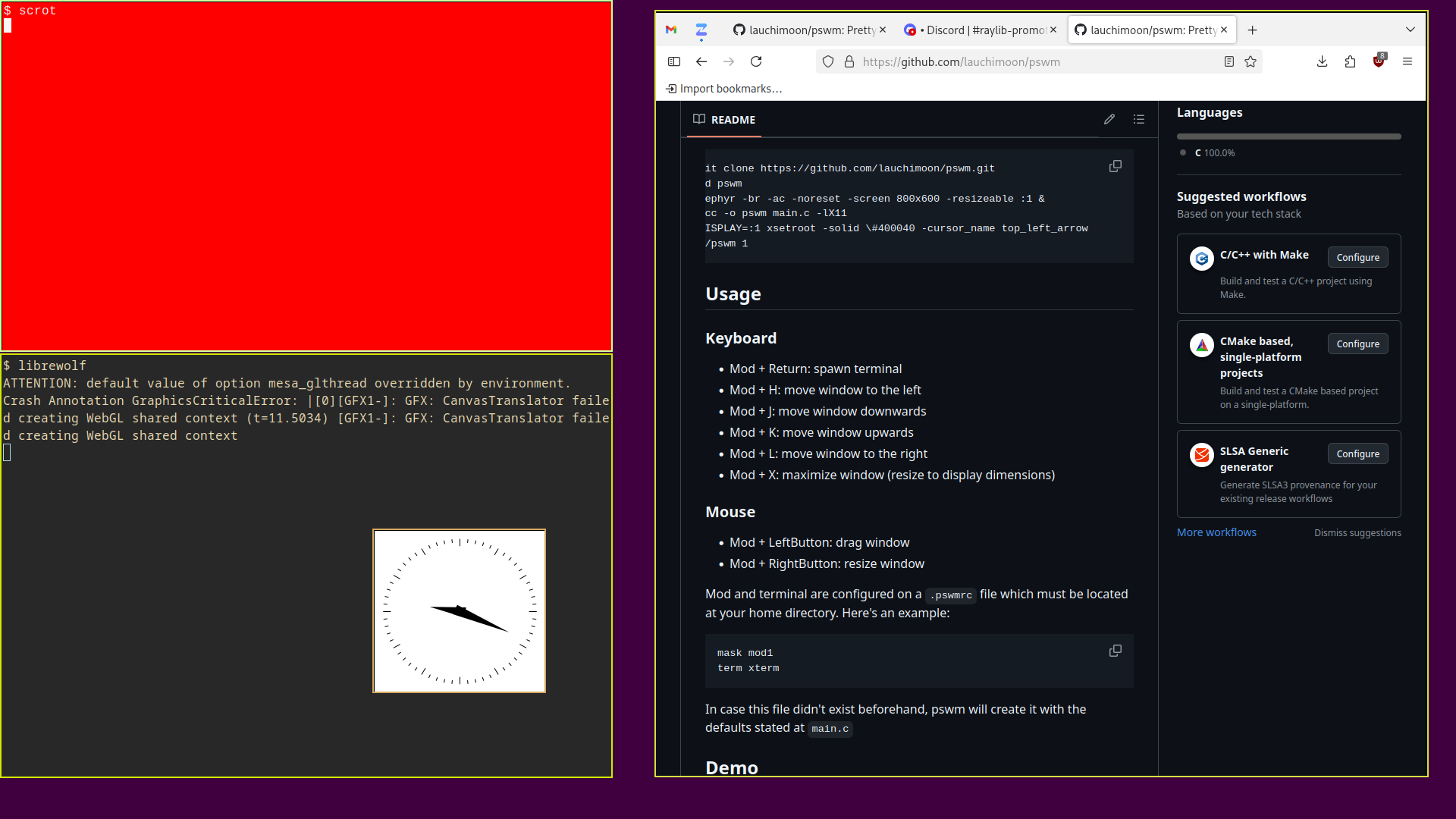
Inspired by evilwm.
$ git clone https://github.com/lauchimoon/pswm.git
$ cd pswm
$ Xephyr -br -ac -noreset -screen 800x600 -resizeable :1 &
$ gcc -o pswm main.c -lX11 -lXrandr
$ DISPLAY=:1 xsetroot -solid \#400040 -cursor_name top_left_arrow
$ ./pswm 1
- Mod + Return: spawn terminal
- Mod + H: move window to the left
- Mod + J: move window downwards
- Mod + K: move window upwards
- Mod + L: move window to the right
- Mod + X: maximize window (resize to display dimensions)
- Mod + LeftButton: drag window
- Mod + RightButton: resize window
Mod and terminal are configured on a .pswmrc file which must be located at your home directory. Here's an example:
mask mod1
term xterm
In case this file didn't exist beforehand, pswm will create it with the defaults stated at main.c