Converts OKF bundles into HTML. One command, one self-contained file — no server, no build pipeline, no dependencies.
See it live → · rebuilt from source by CI on every push, so the demo can never drift from the renderer.
pip install -e .
okflify --example --open        # a real investigation, rendered
okflify ~/path/to/bundle        # or your own
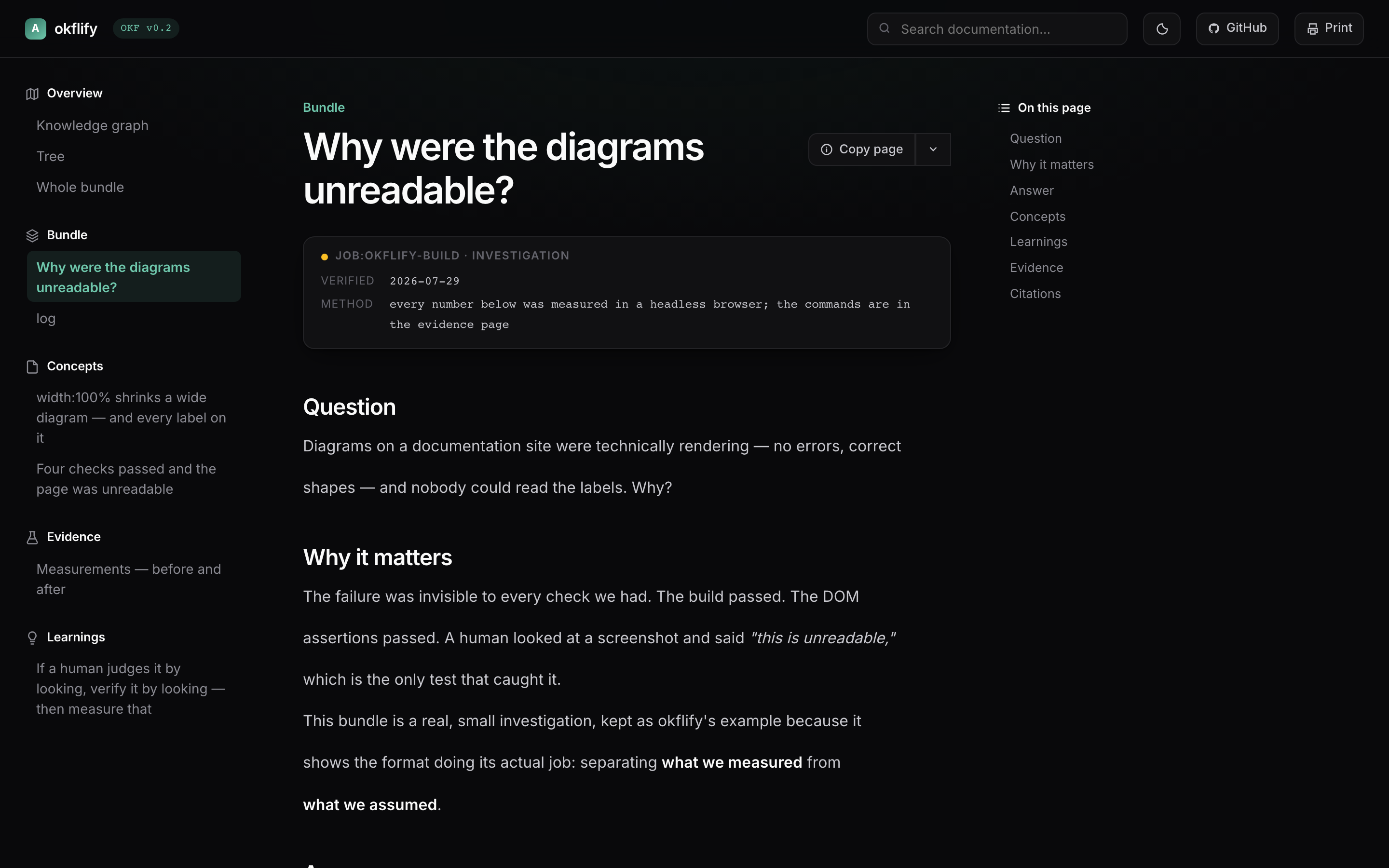
okflify → bundle/okflify.html — 6 documents, 12 edges, 1 diagram
--example renders a real, closed investigation — why were the diagrams unreadable? — with the measurements that answered it, the counter-cases, and a genuine spread of verification tiers.
It is deliberately not a manual. The README explains okflify; the example shows OKF carrying real knowledge, including an agent-verified page that argues against its own author.
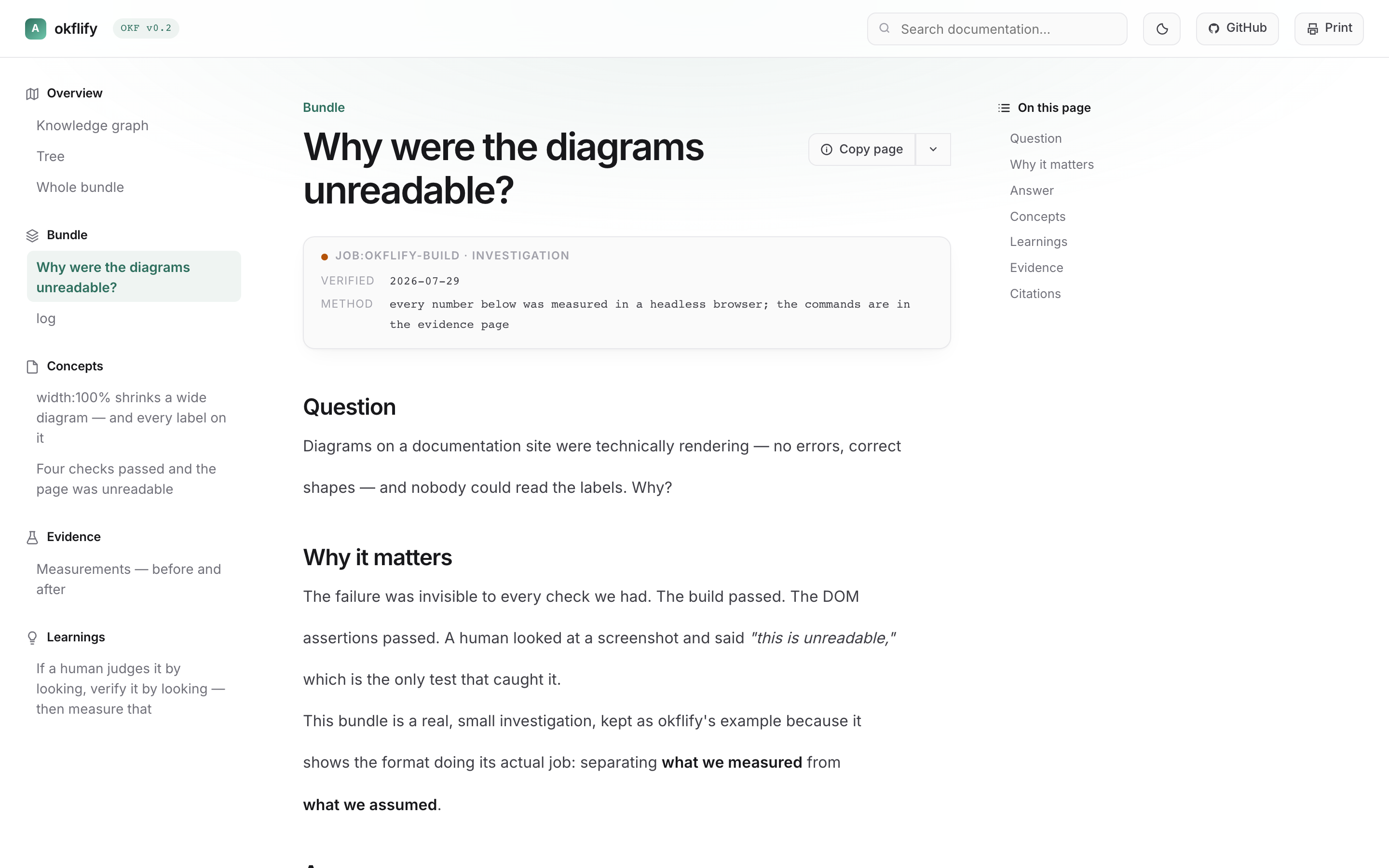
OKF v0.2 weights evidence human: > job: > agent:. okflify puts that at the top of every page, colours every graph node by it, and warns when a document is agent-verified only:
Agent-verified. Under OKF v0.2 weighting treat as unverified for gate-shaped decisions.
Knowledge bases fail in one specific way: everything in them looks equally true. A confident paragraph a model produced in four seconds renders exactly like a number a human checked against a bank statement. A renderer that shows those the same way isn't neutral — it's broken.
Bundles live in folders, so every renderer reaches for a folder tree. That throws away the structure: concepts connect through ordinary markdown links, and the network is richer than any parent-child path.
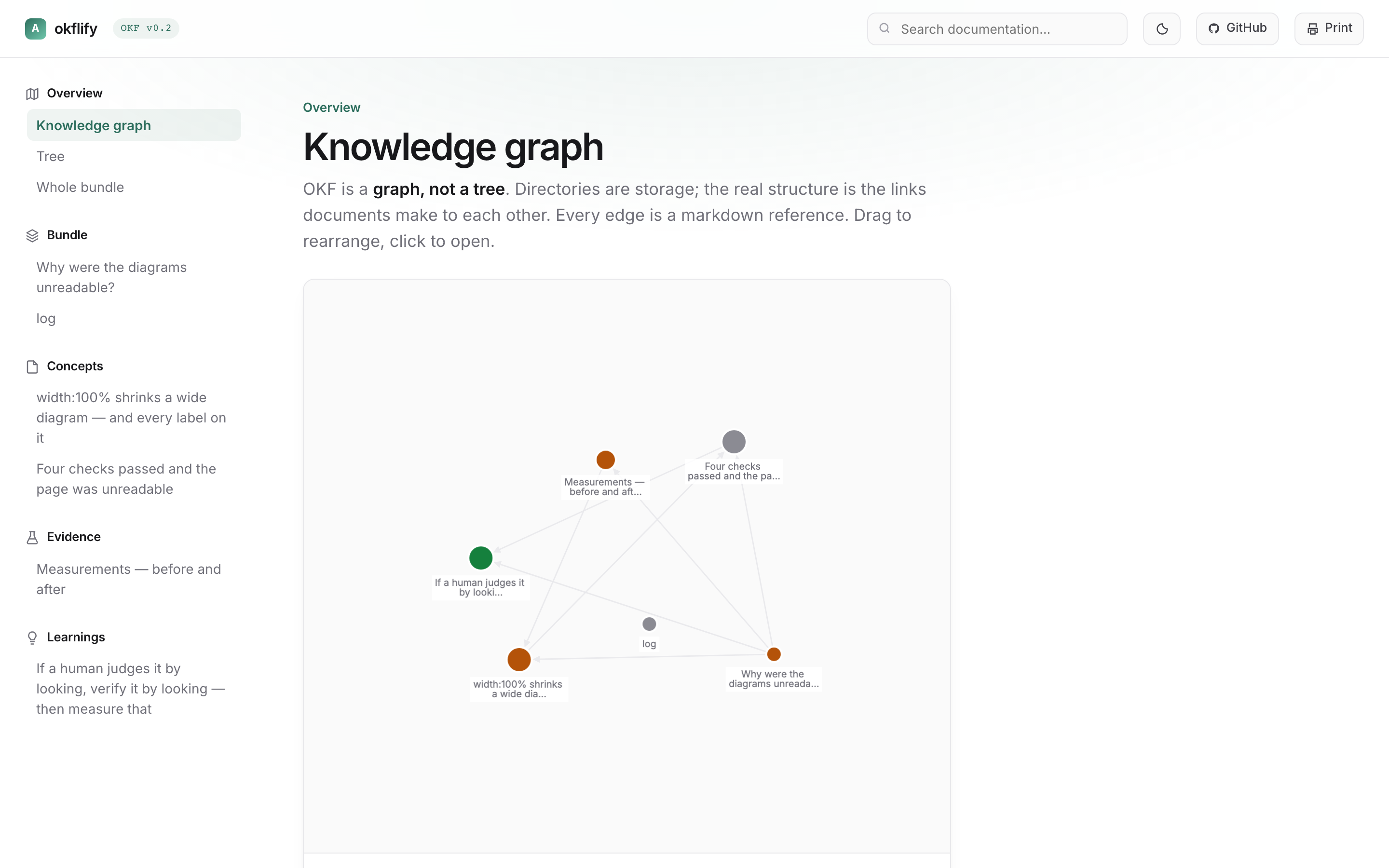
Cytoscape + fCoSE: directed edges, overlap-aware layout, hover to light the neighbourhood, click to open. Node size is inbound links; colour is trust tier.
If your bundle has no cross-links, you get a star — every edge leaving the index. okflify warns on stderr rather than flattering it. That is a content signal, not a bug report.
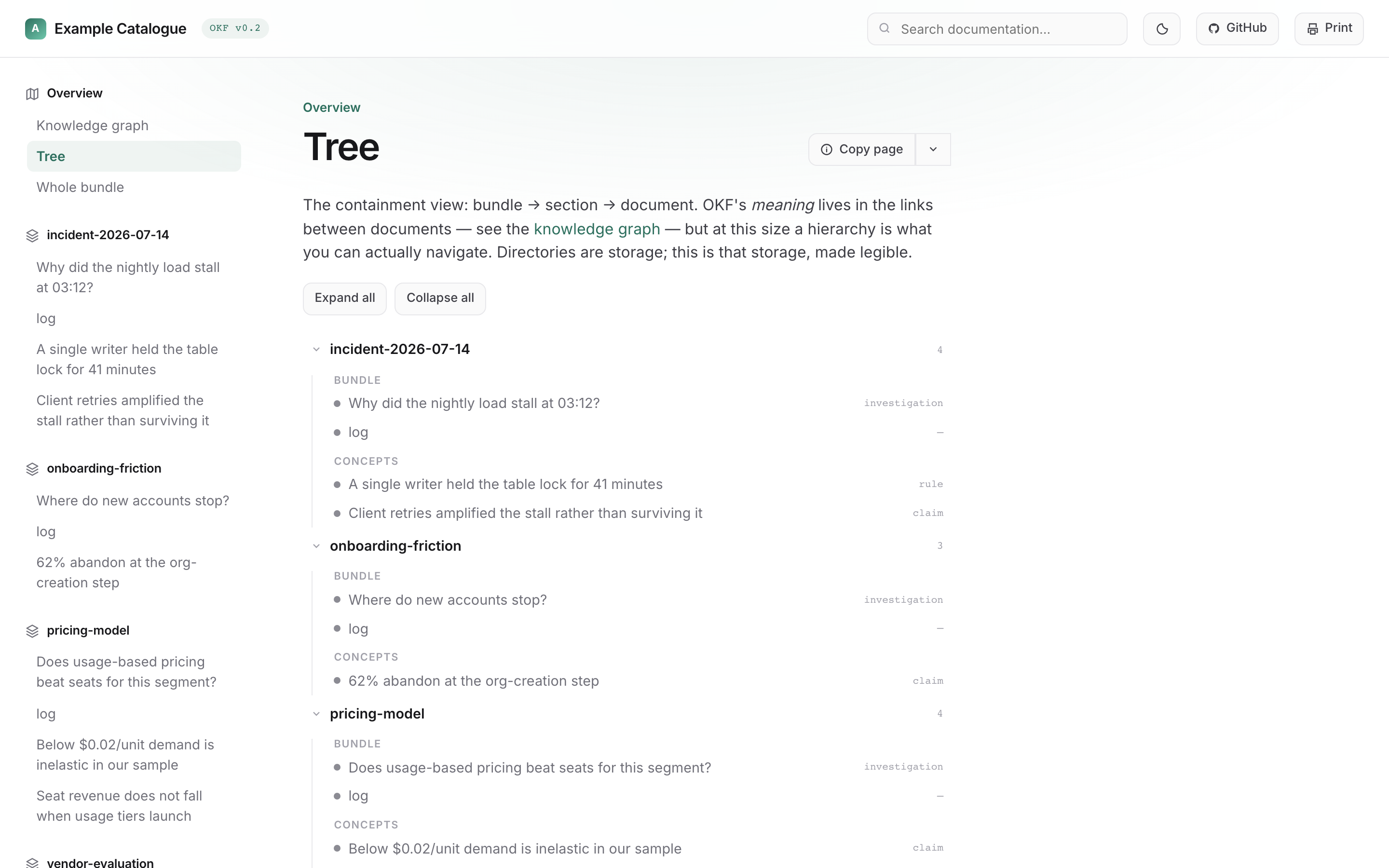
Bundle → section → document, collapsible, with the type and trust tier of every document at a glance — which the sidebar doesn't carry.
Above is a four-bundle catalogue. The largest it has been run against is 18 bundles / 102 documents / 88 edges, rendered into a single file.
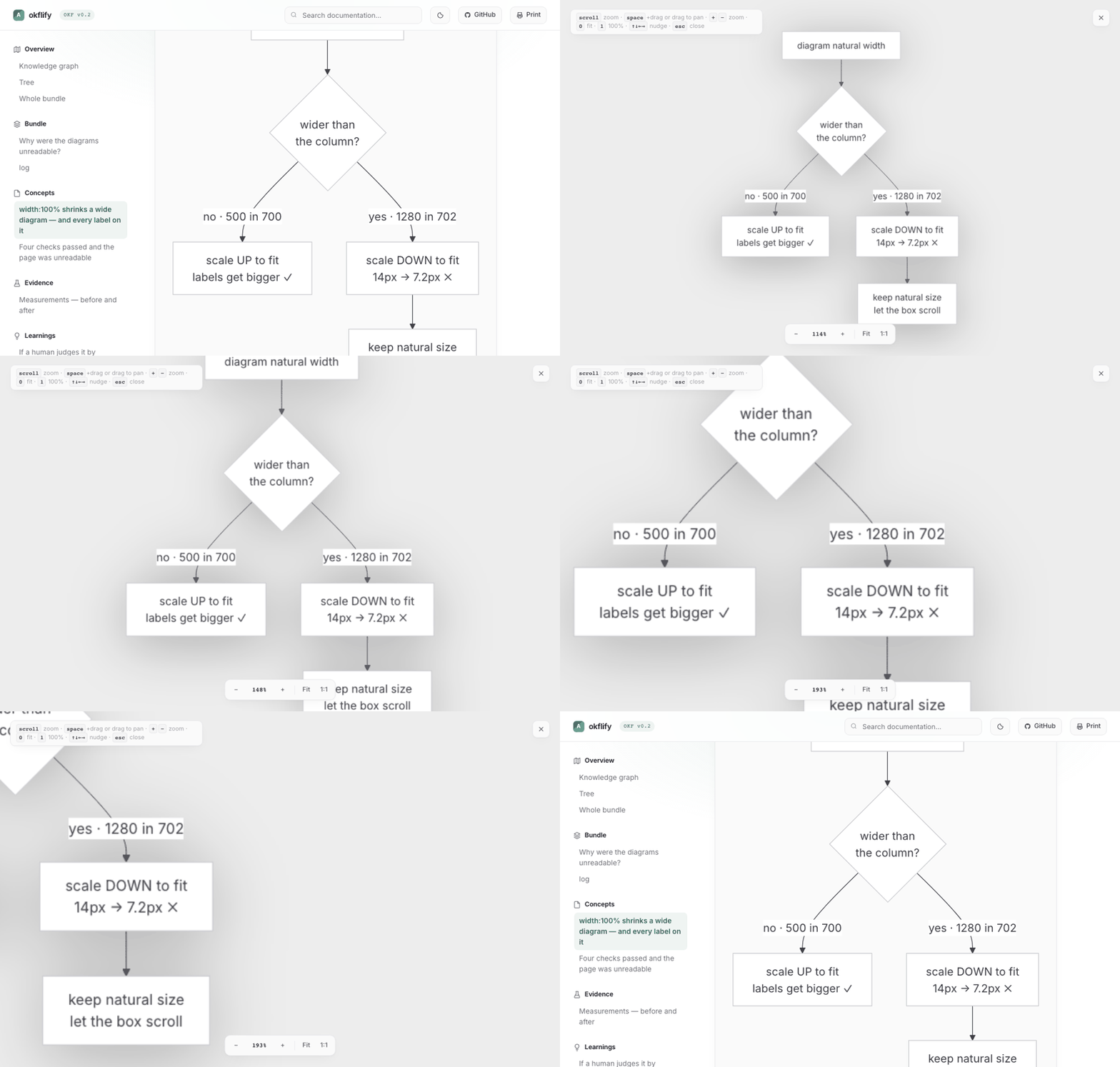
Click any diagram or image. Scroll zooms at the cursor, drag or space+drag pans, +/− zoom, 0 fit, 1 actual size, arrows nudge, esc closes.
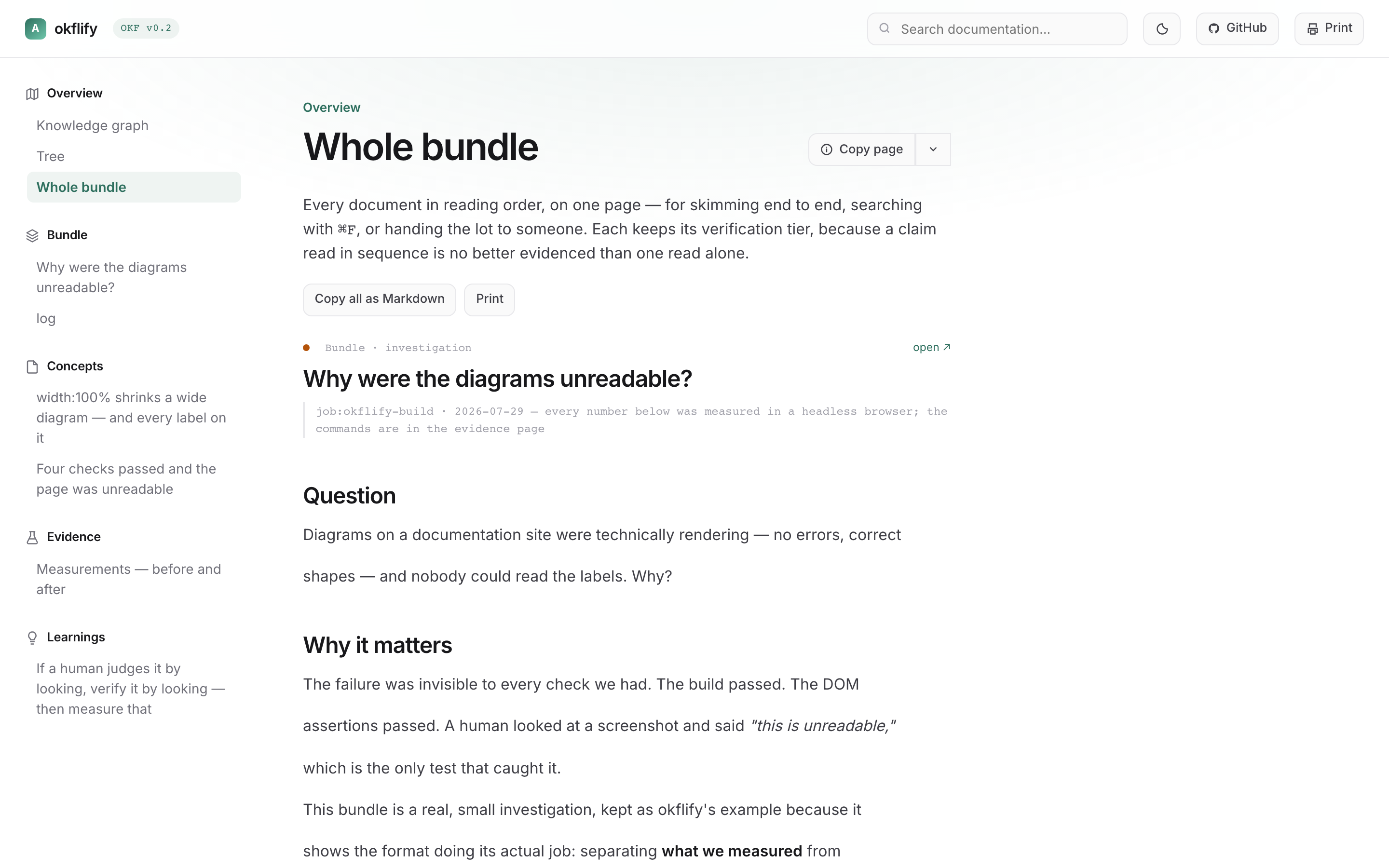
Every document in reading order — for skimming end to end, ⌘F, printing, or copying the lot as Markdown. Each keeps its tier.
| ⌘K palette | documents and every h2/h3 |
| Copy page | Markdown for LLMs · open in Claude/ChatGPT with the page attached · copy whole bundle |
| Backlinks | "links to" / "linked from" cards |
| Light / dark | diagrams re-render to match |
| every document, page-broken | |
| Catalogues | a directory of bundles renders as one site with cross-bundle edges |
bundle/
  index.md          # required — the root
  log.md            # append-only, no frontmatter by convention
  concepts/*.md     # claims, rules, questions
  evidence/*.md     # what was actually observed
  learnings/*.md    # promoted, re-verified
  docs.json         # optional theming
Only index.md is required. A catalogue is a directory of bundles — root/bundles/<slug>/ or root/<slug>/.
---
okf_version: "0.2"
type: claim          # claim | rule | learning | question | evidence-pointer | investigation
title: "One sentence someone could disagree with"
verified:
  by: human:daniel   # human: > job: > agent:
  at: 2026-07-29
  method: "how you checked — the field people skip"
  stale_after: 2026-10-01
---
method does the work. "Verified" without one is a feeling.
docs.json, Mintlify-shaped. Never edit the template to restyle.
{
  "name": "My Knowledge",
  "colors": { "primary": "#2E6F5E", "light": "#6FC7AC", "dark": "#1F5044" },
  "fonts": { "family": "Inter" },
  "appearance": { "default": "system" },
  "background": { "decoration": "gradient" },
  "home": { "href": "/boxes/", "label": "Boxes" }
}
Any Google Font name loads automatically. background.decoration: gradient, grid, none.
home — optional return link to the host app (not the pack index). The pack logo still jumps to the first document; the host control is a separate ← label in the header. When the HTML is opened full-page inside a product (e.g. Greenmark Boxes), set home.href to that product’s root. Runtime override: ?return=/path or ?home=/path (same-origin only), optional returnLabel.
Two things that cost real time:
Mermaid's built-in themes fight the page. neutral and dark render dark subgraph fills with dark labels. okflify uses theme: "base" with themeVariables bound to the CSS palette.
mermaid.run() is a no-op on an already-rendered block. It stamps data-processed and replaces the content, so the first theme rendered wins permanently — a light page keeps black diagrams forever. okflify caches each block's source and restores it before re-running.
Stated because overselling would contradict the whole premise:
- Graph edges have arrowheads but no bundle clustering in catalogue view
- Layout is re-seeded per visit rather than stable across reloads
- Search covers titles and headings, not document bodies
- Not an editor — okflify reads; something else writes
pip install -e ".[dev]"
python -m pytest -q          # 14 tests
okflify --example --open
Releasing is bumping the version. Edit version in pyproject.toml, push to
master, and CI publishes to PyPI over OIDC and tags the commit. There is no
tag to remember, no token anywhere, and no upload step.
It asks PyPI whether that version exists rather than trusting git, so re-runs,
reverts and force-pushes are all safe. Touching okflify/ without bumping
fails the build — okflify once shipped eleven times as 0.1.0, and on PyPI
a version can never be reused.
Sibling of mafia (Chromium for agents). Same house, same conventions.
MIT.