
Challenger Deep Theme for emacs
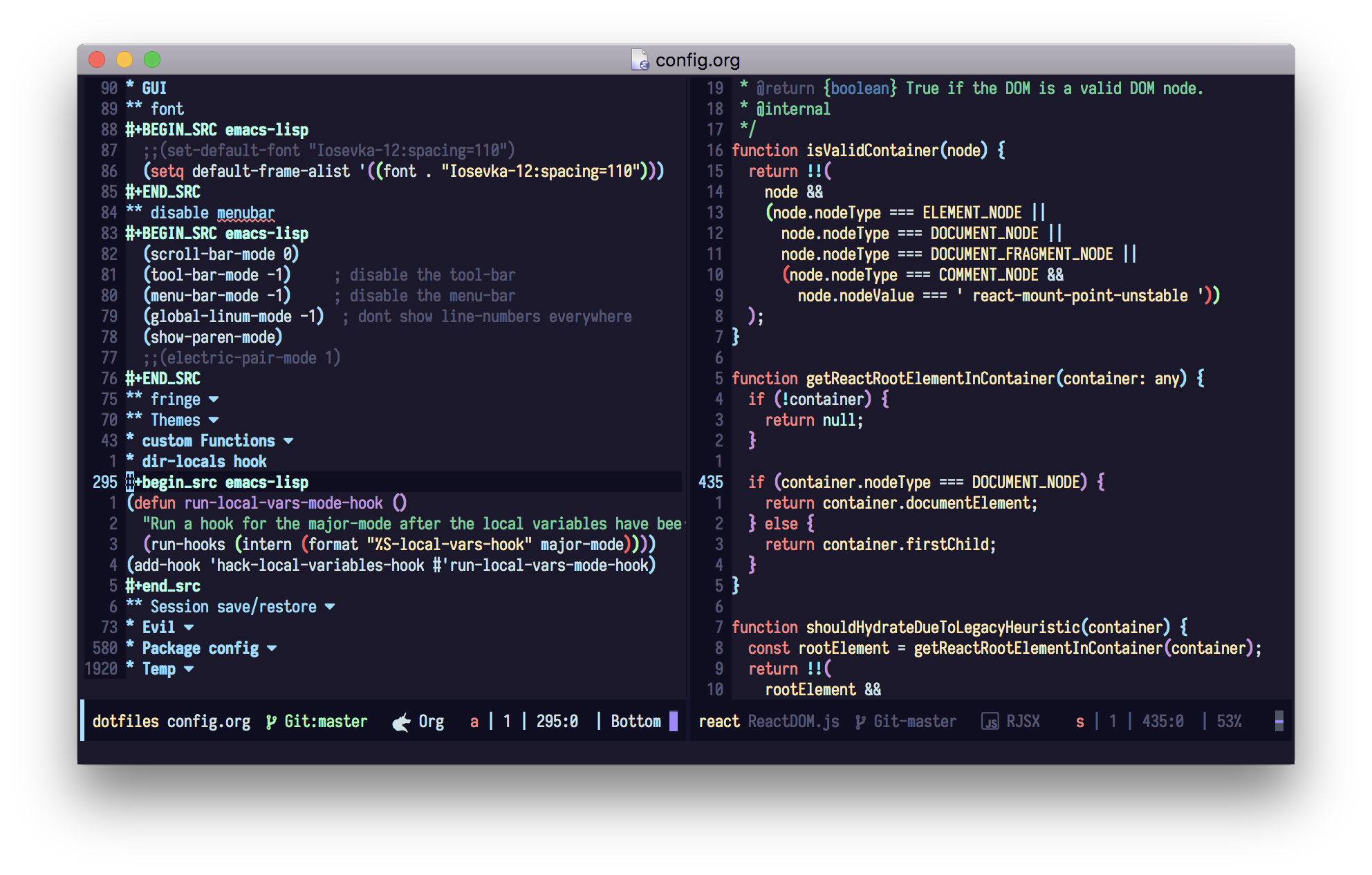
M-x package-install <RET> challenger-deep-theme
Add the emacs theme files to ~/.emacs.d/themes.
To load a theme add the following to your init.el
(add-to-list 'custom-theme-load-path "~/.emacs.d/themes")
(load-theme 'challenger-deep t)
First make sure no other themes are enabled with M-x disable-theme.
To load the theme type M-x load-theme RET challenger-deep RET.
To load the theme at startup at the following to your init.el:
(load-theme 'challenger-deep t)