
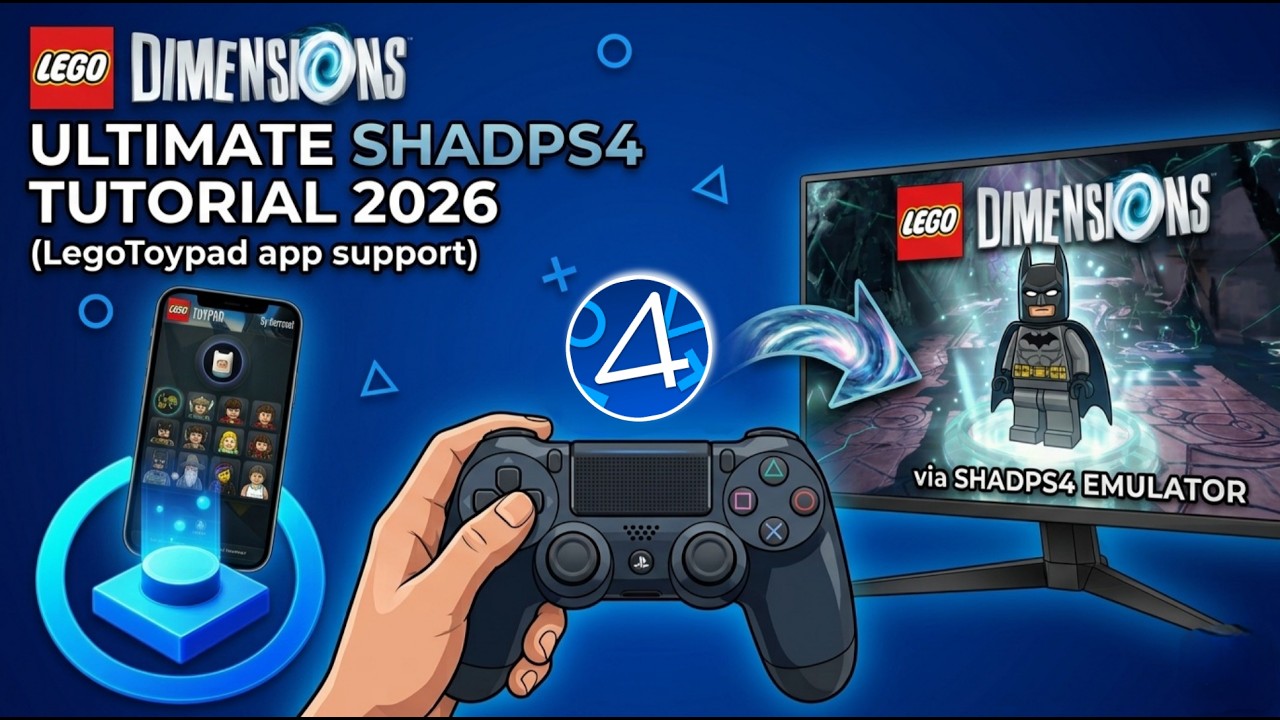
A small standalone utility that connects the controller-driven LegoToypad app to shadPS4's built-in LEGO Dimensions Toypad, so you can load, remove and swap figures in-game straight from a controller. This is not a custom emulator build — no fork, no patched exe: stock shadPS4, stock app, one small program in between.
Tested on shadPS4 v0.18.1 WIP with LEGO Dimensions CUSA01176.
Thanks LEGO Dimensions Discord for support!
- Windows 10/11 (the bridge is a plain .NET Framework exe — nothing to install)
- A recent shadPS4 build with LEGO Dimensions working
- LegoToypad (latest release)
- LEGO Dimensions installed in shadPS4
- Drop
shadPS4ToypadBridge.exeinto the same folder asshadPS4.exe. - Double-click
shadPS4ToypadBridge.exe. It finds the emulator in its own folder and launches the game (pick it from the list if you have more than one). - Wait for:
[bridge] IPC handshake done (RUN+START sent)[bridge] Toypad listener active on 127.0.0.1:9191
- Run LegoToypad, put your tag library in a folder named
Lego Dimensions Organized bins, and it will appear in-game.
Important: always start the game through shadPS4ToypadBridge.exe, not the Qt launcher. The bridge owns shadPS4's stdin/stderr — that's how it sends figure commands.
- Open the LegoToypad overlay (default: Back/Select on an XInput controller).
- Pick a figure and a pad slot.
- The figure appears on the Toypad in-game.
Swapping and clearing figures works the same way — pick a slot, then Load / Move / Clear. Each action is logged in the bridge console (LOAD -> pad=1 index=0 …).
- The bridge auto-sets
usb_device_backend = 3(Dimensions Toypad) in your shadPS4 config on first run (backup kept asconfig.json.bak-toypad-bridge). If you ever use a real physical Toypad, set it back to0. - The overlay doesn't mute gamepad input — pause the game first, or bind a keyboard shortcut in LegoToypad's settings.
- Only runs on
127.0.0.1(local) by design.
- No bridge lines appear → start the game via
shadPS4ToypadBridge.exe, not the Qt launcher. - Port 9191 is busy → set a custom port in LegoToypad's
LegoToypad.ini([Listener] Port=) and pass it as the second argument toshadPS4ToypadBridge.exe.
build.cmd
Single C# file, builds with the stock .NET Framework compiler on any Windows 10/11.
- shadPS4 and contributors — the emulator, its emulated Toypad and the IPC this bridge drives.
- harrysof — LegoToypad and the Cemu Remote Toypad build whose protocol this implements.
- This bridge is licensed under MIT (see LICENSE).
Not affiliated with shadPS4, Sony, LEGO or Warner Bros. Interactive.