Native terminal coding agents command center.
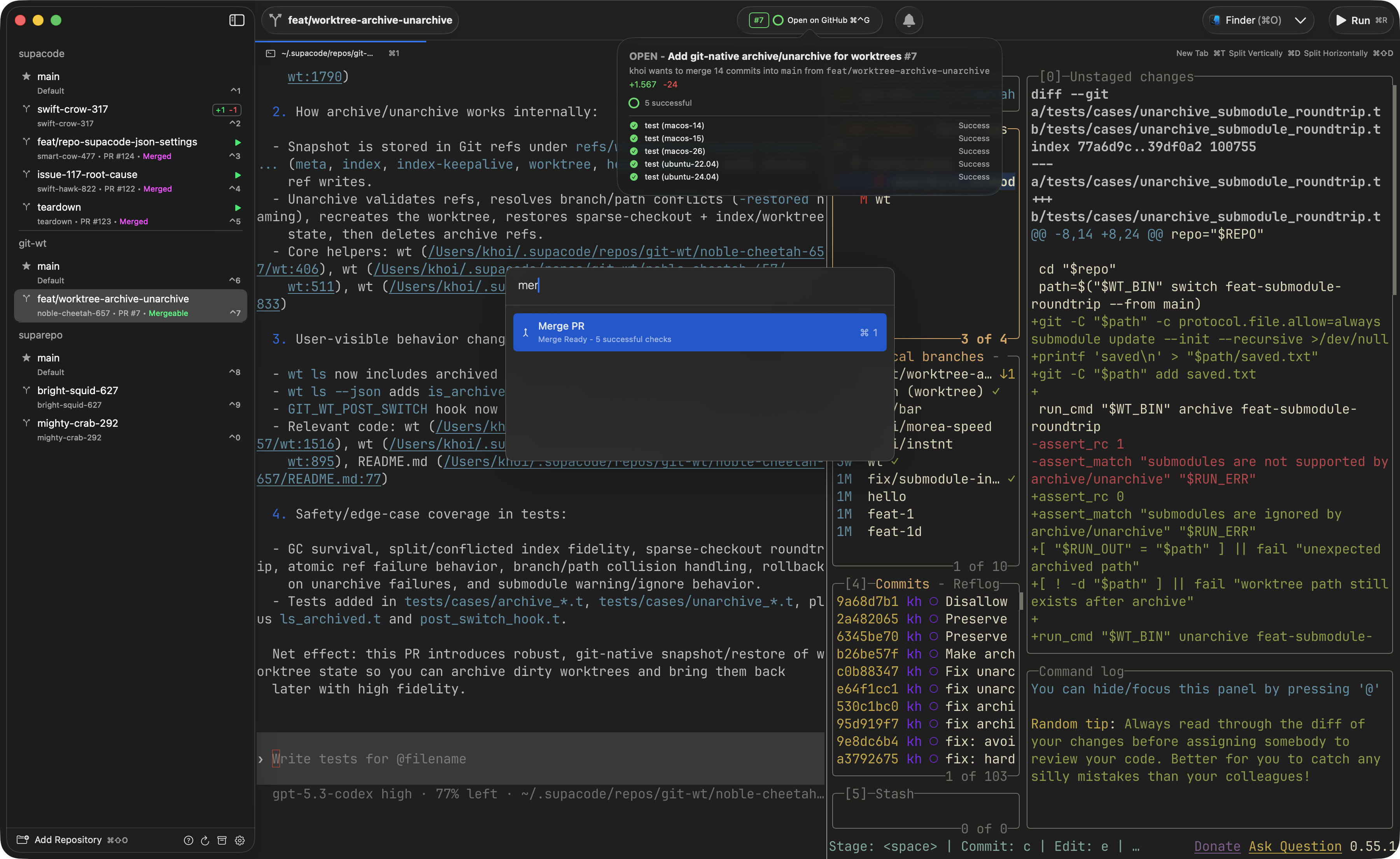
- macOS 26.0+
- mise (for dependencies) — add
~/.local/binto yourPATH - Xcode 26.3 if you are on macOS 26.4+ — see below
- git submodules:
git submodule update --init --recursive
The GhosttyKit build uses a pinned Zig (0.15.2, required exactly by ghostty) whose linker can't link the macOS 26.4+ SDK — that SDK dropped the arm64-macos slice from libSystem.tbd (ziglang/zig#31658), so the build fails with a wall of undefined symbol errors. Install Xcode 26.3 (it ships the macOS 26.2 SDK, which still has arm64-macos). You don't need to switch it globally — the build auto-detects a Zig-linkable Xcode and pins it for just that build, so a newer Xcode can stay your default. After installing it once:
# accept the license and finish first launch (required before the build can use it)
sudo DEVELOPER_DIR=/Applications/Xcode_26.3.app/Contents/Developer xcodebuild -license accept
sudo DEVELOPER_DIR=/Applications/Xcode_26.3.app/Contents/Developer xcodebuild -runFirstLaunch
# install the Metal Toolchain into that Xcode (ghostty compiles Metal shaders; a fresh Xcode ships it uninstalled)
sudo DEVELOPER_DIR=/Applications/Xcode_26.3.app/Contents/Developer xcodebuild -downloadComponent MetalToolchain
See AGENTS.md for the full rationale.
Optionally warm the macOS Tuist cache from the repo root with:
mise exec -- tuist auth login
mise exec -- tuist auth whoami
make mac-warm-cache
make doctor # Diagnose build prerequisites and print fixes
make build-ghostty-xcframework # Build GhosttyKit from Zig source
make build-app # Build macOS app (Debug)
make run-app # Build and launchmake doctor checks every prerequisite (mise, submodules, a Zig-linkable Xcode, the Metal Toolchain, pinned tools) and prints the exact fix for anything missing. The build targets run it automatically as a quiet preflight.
make check     # Run swiftformat and swiftlint
make test      # Run tests
make format # Run swift-format- I actual prefer a well written issue describing features/bugs u want rather than a vibe-coded PR
- I review every line personally and will close if I feel like the quality is not up to standard