


An avatar widget with a reliable fallback chain. It tries to show an image
from any ImageProvider and, if that fails, degrades by priority all the way
down to initials on a deterministically chosen colored background — a terminal
fallback that can never fail.
| Feature | avatar_fallback |
Typical alternatives |
|---|---|---|
Any ImageProvider (network / asset / memory / file) |
✅ | Often network-URL only |
| Real multi-step priority chain | ✅ | Usually image + single placeholder |
| Deterministic color, stable across runs & platforms | ✅ (FNV-1a, not hashCode) |
Often String.hashCode (unstable) |
| Unicode-correct, grapheme-safe initials (emoji, RTL) | ✅ | Frequently substring (breaks emoji) |
Material 3 theming via ThemeExtension |
✅ | Rare |
AvatarGroup with +N overflow |
✅ | Sometimes |
| Badge slot, a11y semantics, image fade-in | ✅ | Partial |
| Zero heavy dependencies; all platforms | ✅ | Varies |
- 🖼 Any image source — pass any
ImageProvider, or useAvatarSourcefor network / asset / icon / widget sources. - 🔁 Priority chain — sources are tried in order; a failing image yields to the next, ending in initials that cannot fail.
- 🎨 Stable deterministic colors — the same name always gets the same color,
on every device and every run (FNV-1a hash — not
hashCode). - 🔤 Grapheme-safe initials — emoji and combining marks are never split; RTL names work correctly.
- 🎛 Material 3 theming — set app-wide defaults with
AvatarFallbackTheme. - 👥
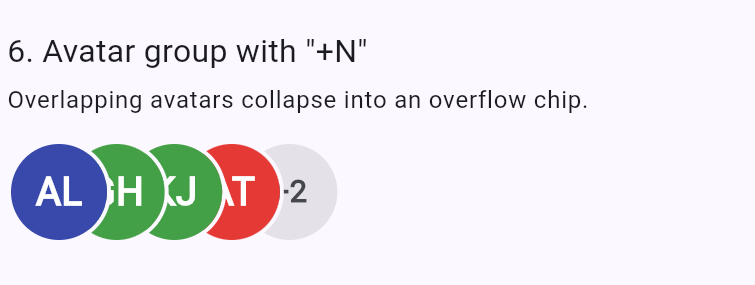
AvatarGroup— overlapping avatars with a customizable+Nindicator. - 🟢 Badge slot — overlay a status dot, counter, or anything else.
- ♿ Accessibility — a semantic label is exposed for screen readers.
- ✨ Fade-in — images fade in smoothly once resolved.
- 🪶 Lightweight — depends only on Flutter (+
characters). Works on Android, iOS, web, macOS, Windows and Linux.
dependencies:
  avatar_fallback: ^0.1.0
Then:
import 'package:avatar_fallback/avatar_fallback.dart';AvatarFallback(
name: 'John Doe',
image: NetworkImage('https://example.com/john.png'),
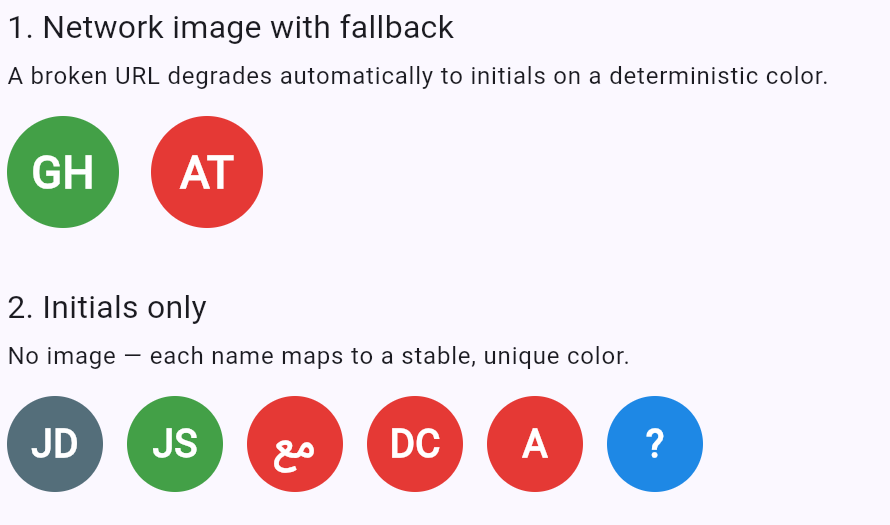
);If the image fails to load, the widget shows JD on a color deterministically
derived from the name. If no image is given, the initials show immediately.
AvatarFallback(name: 'Ada Lovelace'); // "AL" on a stable colorAvatarFallback(
name: 'Grace Hopper',
size: 64,
shape: const AvatarShape.rounded(16), // or .square() / .circle()
);AvatarFallback(
name: 'Katherine Johnson',
palette: const <Color>[Color(0xFF264653), Color(0xFF2A9D8F)],
);AvatarFallback(
name: 'Online User',
badge: Container(
width: 14,
height: 14,
decoration: BoxDecoration(
color: Colors.green,
shape: BoxShape.circle,
border: Border.all(color: Colors.white, width: 2),
),
),
);AvatarFallback.sources(
name: 'Chain Demo',
sources: const <AvatarSource>[
NetworkAvatarSource('https://primary.example/pic.png'),
AssetAvatarSource('assets/fallback.png'),
IconAvatarSource(Icons.person), // never "fails"
],
);AvatarGroup(
maxVisible: 3,
avatars: <Widget>[
for (final String name in names) AvatarFallback(name: name),
],
);final Color color = colorFromSeed('john@example.com', kDefaultAvatarPalette);
final String initials = initialsFromName('John Doe'); // "JD"Set app-wide defaults with AvatarFallbackTheme in ThemeData.extensions.
Any value you pass directly to an AvatarFallback overrides the theme.
MaterialApp(
  theme: ThemeData(
    extensions: const <ThemeExtension<dynamic>>[
      AvatarFallbackTheme(
        size: 48,
        shape: AvatarShape.rounded(12),
        fadeInDuration: Duration(milliseconds: 250),
      ),
    ],
  ),
);The package intentionally does not depend on cached_network_image. To add
caching, just pass a caching ImageProvider:
AvatarFallback(
  name: 'John Doe',
  image: CachedNetworkImageProvider('https://example.com/john.png'),
);
Or inside a source chain with ImageAvatarSource(CachedNetworkImageProvider(...)).
This keeps the package lightweight and lets you choose your own caching strategy.
A full showcase app lives in example/, covering every
feature. Run it with:
cd example
flutter runIssues and pull requests are welcome. Please run dart format .,
dart analyze, and flutter test before submitting.