| title | About |
|---|---|
| permalink | /about/ |
| layout | page |
Hi, I am a PhD student at the Institute of Science and Technology Austria (ISTA) co-affiliated with Medical Genomics group led by Prof. Matthew Robinson and Data Science, Machine Learning, and Information Theory group led by Prof. Marco Mondelli.
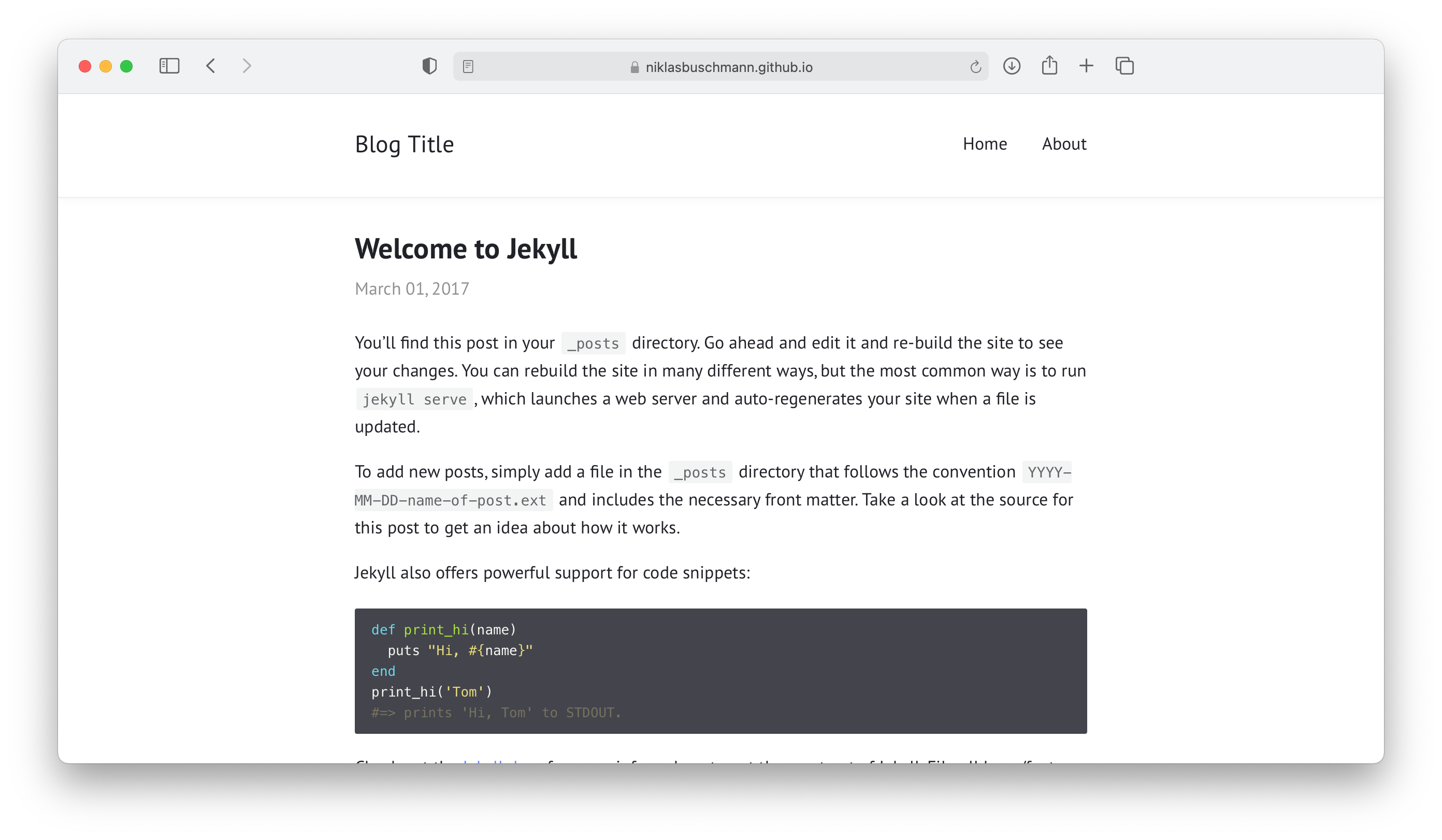
Just fork this repository and adjust the _config.yml to use with Github Pages and your page is done.
- supports dark mode on macOS Mojave
- optional sidebar
- MathJax support
- no external ressources
- included archive page
- supports pagination
- feed generation
- responsive
- syntax highlighting
- supports comments via disqus or isso
You can use this theme with the jekyll-remote-theme plugin. Just create an empty repo, copy over the index.html file and add this to your _config.yml:
remote_theme: niklasbuschmann/contrast@v2.11

plugins:
  - jekyll-remote-theme
Note: to enable icons you also need to copy over the _data folder.
Your _config.yml could for example look like this:
title: "Blog Title"
author: "Blog Author"
description: "My personal blog about ... something"
permalink: /:title/
lang: "en"
excerpt_separator: "\n\n\n"
date_format: "%B %d, %Y"

# Layout

show_excerpts: true        # show article excerpts on the home page
show_frame: true           # adds a gray frame to the site
show_sidebar: false        # show a sidebar instead of the usual header

# Menu

navigation:                # accepts {file, title, url, icon, sidebaricon}
  - {file: "index.html"}
  - {file: "README.md"}

external:                  # shows a footer with social links - for available icons see fontawesome.com/icons
  - {title: Mail, icon: envelope, url: "mailto:niklasbuschmann@users.noreply.github.com"}
  - {title: Github, icon: github, url: "https://github.com/niklasbuschmann/contrast"}
  - {title: Subscribe, icon: rss, url: "/feed.xml"}

comments:
#  disqus_shortname: ""    # see https://disqus.com/
#  isso_domain: ""         # see https://posativ.org/isso/

plugins:
 - jekyll-feed
Contrast comes preinstalled with a leightweight alternative to MathJax called KaTeX. To display equations in a post simply set mathjax: true in the article's front matter.