
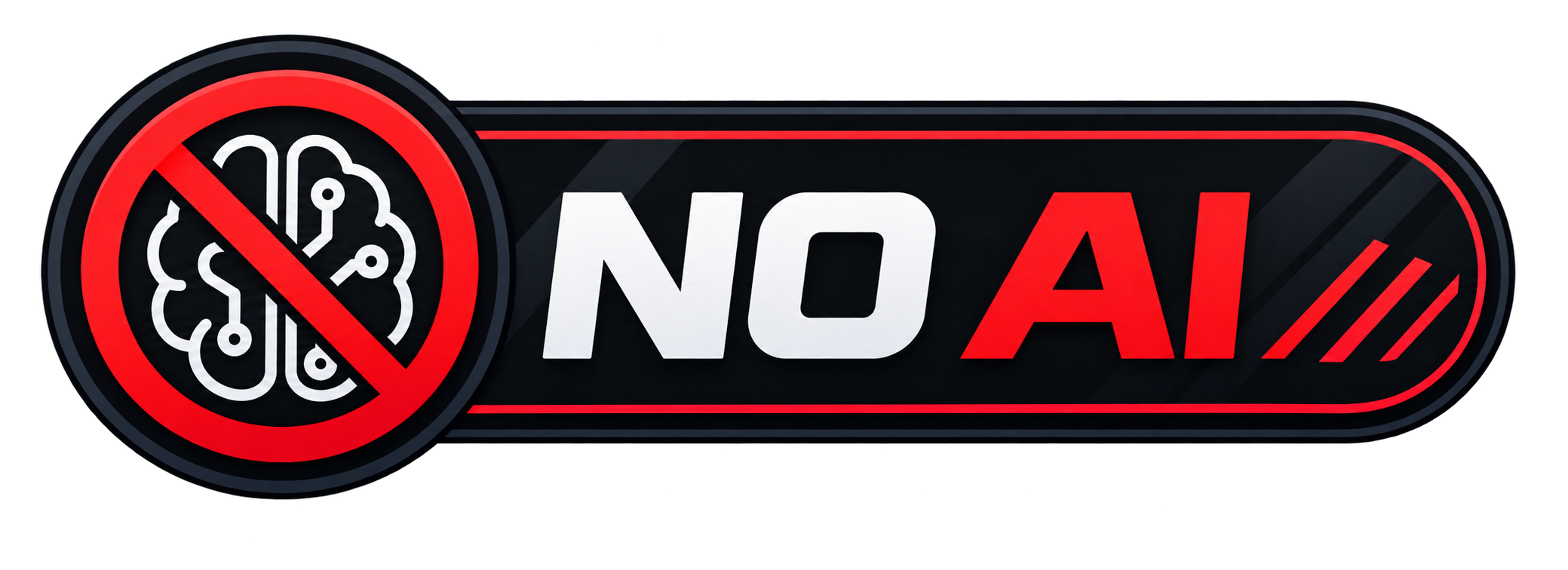
The NO AI badge can be displayed in different sizes. Choose the method that works best for your project.
Works everywhere and is the most reliable:
<img src="https://raw.githubusercontent.com/44tl/NoAI/main/no-ai.svg" width="120" alt="NO AI">For precise control over both dimensions:
<img src="https://raw.githubusercontent.com/44tl/NoAI/main/no-ai.svg" width="120" height="40" alt="NO AI">For responsive or inline styling:
<img src="https://raw.githubusercontent.com/44tl/NoAI/main/no-ai.svg" style="width: 120px; height: auto;" alt="NO AI">Some Markdown renderers support this (note: not supported on GitHub):
| Use Case | Recommended Width |
|---|---|
| README badge | 100-150px |
| Sidebar or small section | 80-100px |
| Footer or mini badge | 60-80px |
To use the badge at its original size:
